
best vr truck sim 2026 searches usually come from one very specific frustration: you want that long-haul, “hands-on wheel” feel in VR, but you don’t want to waste a weekend fighting stutter, blurry dashboards, or awkward controls.
The good news is that VR trucking has matured, not necessarily because every game became perfect, but because the ecosystem got clearer: a few titles feel great out of the box, some feel great after tweaks, and a couple are only worth it if you love tinkering.
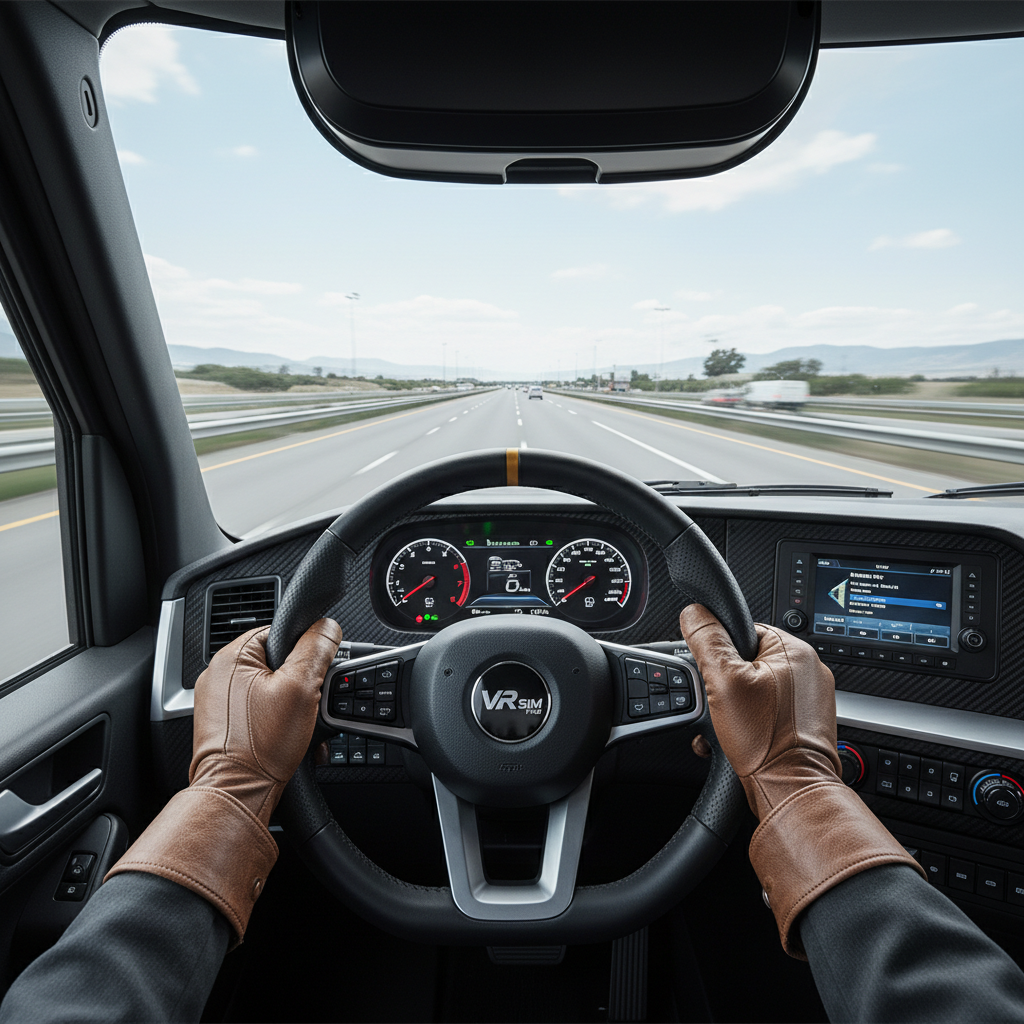
This guide breaks down what to play in 2026, what hardware settings actually matter, and how to decide whether you should prioritize realism, comfort, mod support, or quick “jump in and drive” sessions.
What most people really mean by “best VR truck sim” in 2026
In practice, “best” tends to mean a mix of four things, and you’ll feel the tradeoffs fast in VR.
- Comfort: stable frame pacing, minimal judder, predictable camera behavior.
- Cab readability: crisp gauges, mirrors you can actually use, text that doesn’t shimmer.
- Controls that make sense: wheel/pedals, controller bindings, and in-cab interactions that don’t feel like a chore.
- Content loop: satisfying routes, progression, cargo variety, plus AI traffic that doesn’t ruin the vibe.
Many PC players also mean “mod-friendly,” because mods often fix annoyances long before official patches do.
Quick comparison table: top VR trucking picks (2026)
Rather than pretend there’s one winner for everyone, use this as a shortlist based on your tolerance for setup and your appetite for realism.
| Title | VR experience | Best for | Watch-outs |
|---|---|---|---|
| Euro Truck Simulator 2 (VR mode) | Strong once tuned | Relaxing long-haul, mods, map variety | Needs graphics tweaks, UI can feel “flat” |
| American Truck Simulator (VR mode) | Strong once tuned | US highways, scenic driving, wheel setups | Performance varies by city/traffic density |
| Derail Valley (VR) | Excellent interaction model | “Hands-on” sim feeling, physical controls | Not a truck sim, but scratches the sim itch |
| Construction/Hauling Sims with VR support | Mixed, title-dependent | Short sessions, job variety | VR UX can be clunky, comfort varies |
If your goal is specifically 18-wheeler highway driving in VR, the ETS2/ATS VR branches remain the practical center of the conversation for 2026, mainly because the community knowledge is deep and the wheel support ecosystem is mature.
Why VR trucking can feel “off” (and how to spot the bottleneck)
If you tried a “best vr truck sim 2026” candidate and it felt wrong, the cause is usually one of these, not the game itself.
- Frame time spikes: you might hit the average FPS target, yet micro-stutters make corners unpleasant.
- Resolution scaling mismatch: the headset looks sharp in menus, then the cab turns mushy once driving starts.
- Mirror and traffic cost: mirrors, shadows, and dense cities can be disproportionately expensive in VR.
- Incorrect reprojection settings: motion smoothing can help, but aggressive settings may create warping artifacts.
- Control mapping friction: if your wheel, pedals, shifter, and VR controllers “fight,” immersion collapses.
According to Valve (SteamVR documentation), stable frame timing is central to comfort in VR, which is why consistent performance often feels better than occasional high peaks.
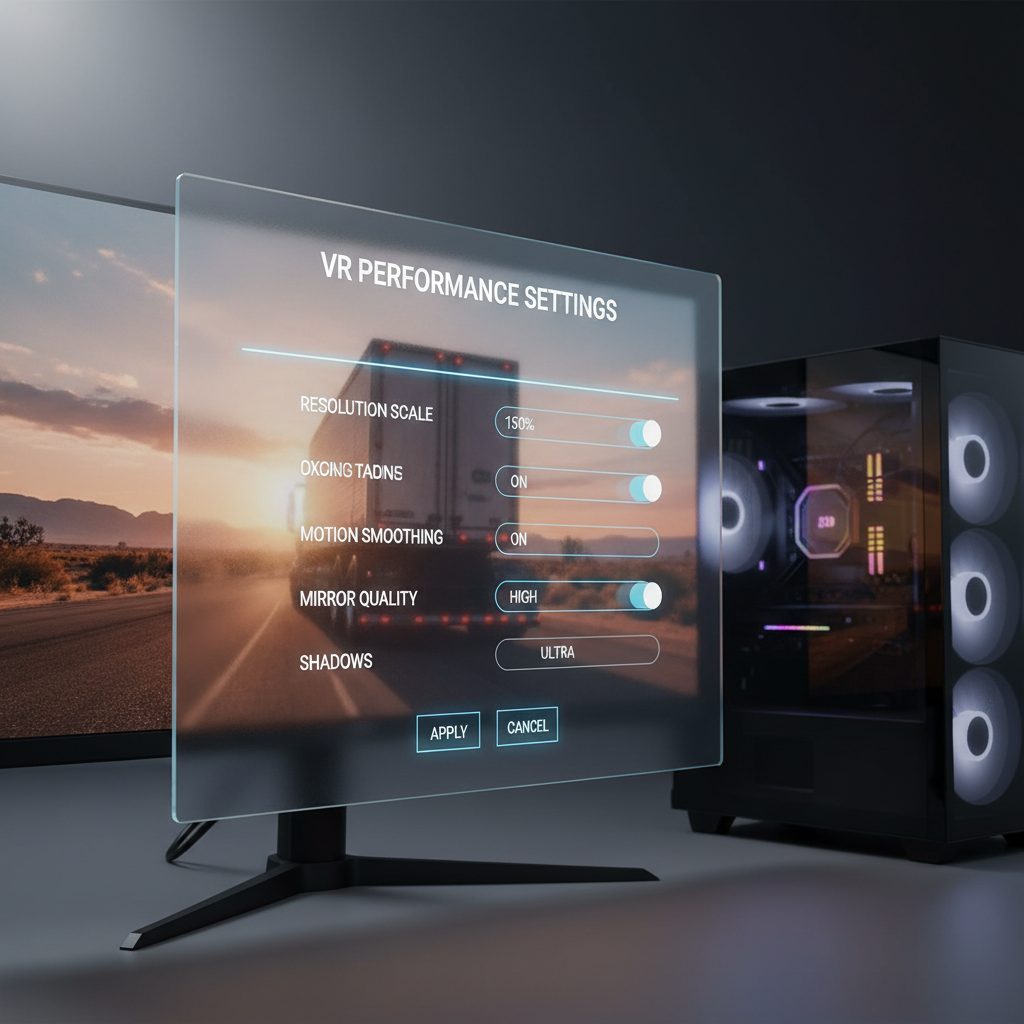
One more reality check: “VR-ready” on a store page doesn’t guarantee you’ll love it. Truck sims are heavy on draw distance and fine detail, two things VR exposes brutally.
Self-check: which setup path fits you?
Pick the closest match, then follow the matching recommendations later.
- I want zero fuss: you’ll be happiest with titles that have native VR design, or you’ll accept simpler visuals for stable performance.
- I can tolerate 30 minutes of tweaking: you’re the sweet spot for ATS/ETS2 VR with a “known good” settings baseline.
- I like optimizing: you can push clarity, mirrors, and traffic, but you’ll spend time balancing tradeoffs per map area.
- I get motion-sensitive: you’ll prioritize comfort settings, conservative turning behavior, and consistent frame timing.
If you’re motion-sensitive or prone to VR discomfort, take a conservative approach and consider checking guidance from your headset maker. According to Meta (Quest safety guidance), taking breaks and stopping when you feel discomfort is recommended.
Recommended settings and workflow for ATS/ETS2 VR (practical, not “perfect”)
These sims can deliver a genuinely convincing cab experience, but most players need a baseline workflow. This is the part people skip, then blame the game.
Start with a stable baseline
- Lock your target: aim for a stable refresh target (or a stable reprojection half-rate) rather than chasing peaks.
- Lower mirror cost first: mirror distance/quality can be a bigger win than dropping world texture quality.
- Be careful with supersampling: raise clarity slowly; if dashboard text improves but stutter appears, pull back.
- City stress test: tune in a dense area, not an empty highway, otherwise your “good settings” fall apart later.
Dial in cab readability without killing performance
- Prioritize in-cab AA: shimmering edges in VR can be more annoying than slightly softer textures.
- Adjust seat position and FOV behavior: tiny camera misalignment makes steering feel weird, even if FPS is fine.
- Disable expensive extras you don’t notice: extreme shadow distance and ultra vegetation often add cost you rarely “feel” from the cab.
Key takeaway: you’re optimizing for comfort and legibility, not screenshot settings.
Controls that feel “right”: wheel, pedals, and VR controllers
A truck sim can be technically smooth and still feel bad if controls don’t match your expectations.
- Wheel rotation: match in-game steering rotation to your wheel profile, otherwise corners feel wrong by instinct.
- Force feedback: reduce “springy” center force if it makes small corrections tiring in long sessions.
- Look-to-apex vs head-only: many drivers prefer pure head tracking in VR; forced camera assists can break immersion.
- Button mapping: bind high-frequency actions (signals, wipers, retarder, cruise) to muscle-memory buttons.
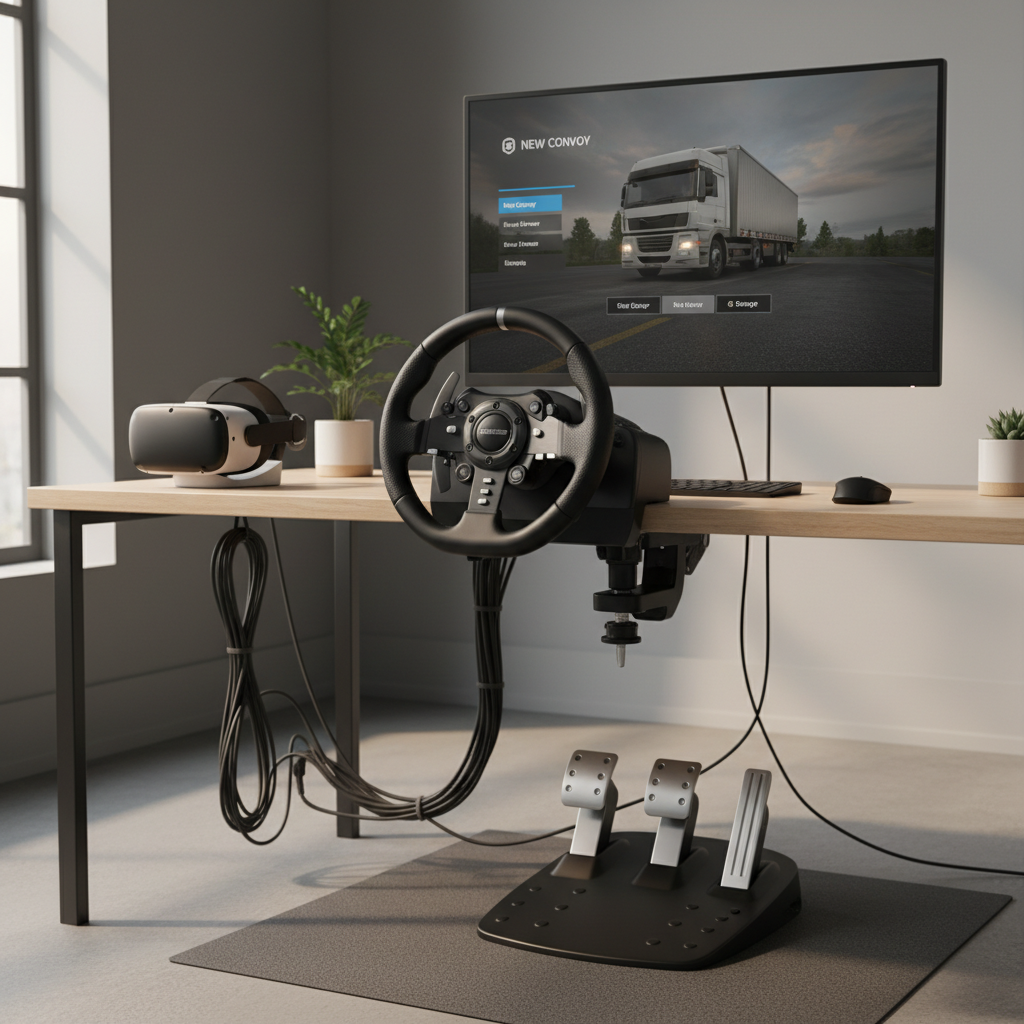
If you’re choosing between “hands-only VR controls” and a wheel, most trucking fans land on a wheel for long-haul comfort, while VR controllers work nicely for occasional in-cab interactions.
Common mistakes that waste time (and how to avoid them)
- Chasing ultra clarity first: you’ll end up with sharp stutter, which feels worse than slightly softer visuals.
- Ignoring mirrors: mirrors are essential for trucking, but they’re also a performance trap; tune them deliberately.
- Testing only on highways: empty highways hide problems that explode in cities, rain, or heavy traffic.
- Overbinding everything: too many bindings creates confusion in VR; keep a “core driving” layer and a “parking/docking” layer.
Also, if you feel eye strain or nausea, don’t “push through.” Discomfort can vary by person and headset; if symptoms persist, it may be worth consulting a medical professional.
Conclusion: choosing the best VR truck sim 2026 for your style
The best vr truck sim 2026 choice usually comes down to how you want to spend your time: driving or tuning. If you want the classic long-haul loop with deep community knowledge, ATS/ETS2 in VR remains the most reliable place to start, as long as you accept a bit of setup. If you want VR-first interaction and don’t mind stepping outside pure trucking, VR-native sims can feel more natural moment to moment.
Two simple action steps: pick one title, then commit to a baseline settings pass in a dense area, and map your top 8 driving actions to easy buttons before you judge immersion. That’s the difference between “VR is finicky” and “this feels like driving.”
If you’re trying to improve performance fast, write down your current resolution scale, mirror settings, and motion smoothing choice, then change one variable at a time. The wins show up quicker than you think.