
Best vr flight sim 2026 usually comes down to one thing: which sim gives you smooth performance, believable cockpit interaction, and the kind of flight model you actually enjoy, without turning setup night into a second job.
If you have ever launched a “top-rated” sim in VR and immediately hit stutters, blurry gauges, or motion discomfort, you already know the gap between “runs in VR” and “feels right in VR.” In 2026 that gap is smaller, but it still depends on your hardware, your control setup, and what kind of flying you want to do.
This guide focuses on real purchase decisions: what to pick for airliners vs. combat vs. helicopter work, what specs matter more than marketing, and which tweaks typically deliver the biggest comfort-per-minute payoff.
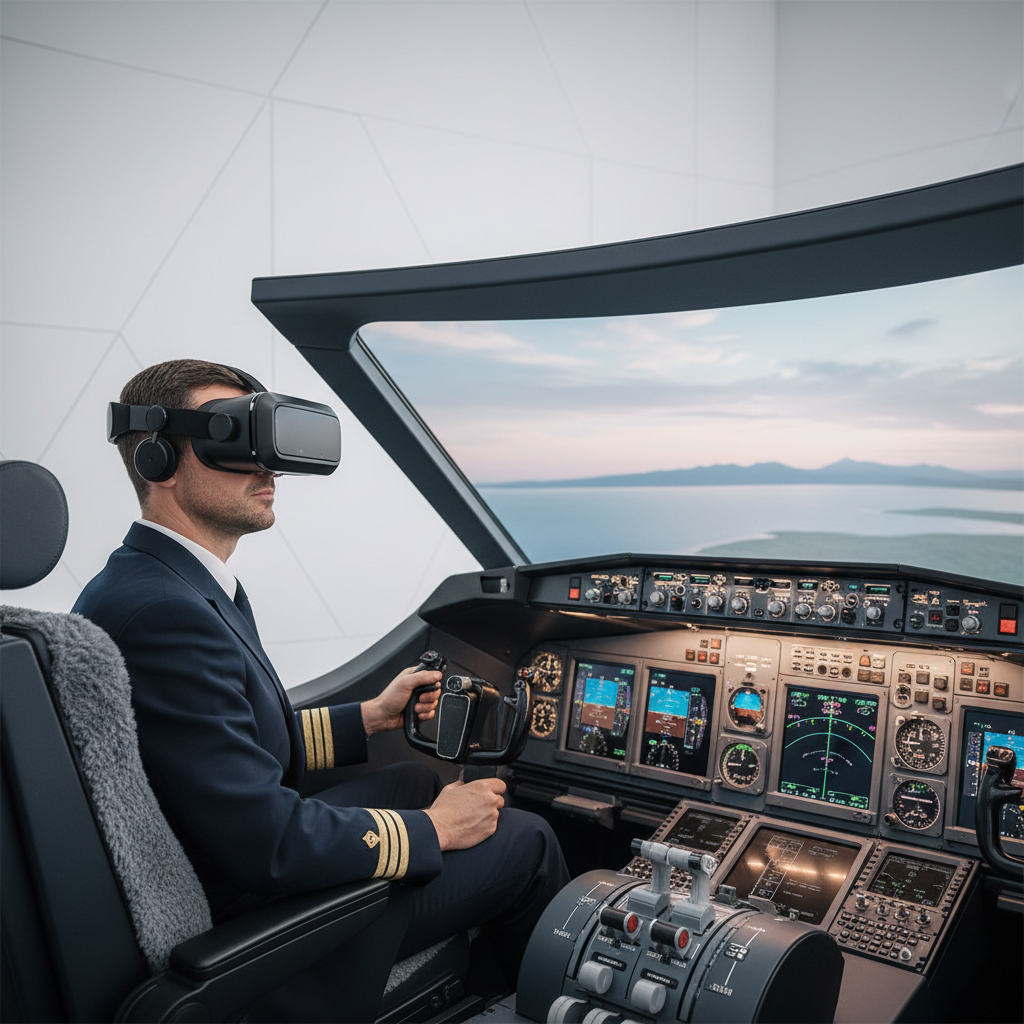
What “best” means for VR flight sims in 2026
People search best vr flight sim 2026 like it is a single winner, but VR flying has three different “bests,” depending on your goal.
- Comfort-first VR: stable frame pacing, low latency, clean visuals, minimal nausea triggers.
- Systems and realism: accurate procedures, avionics depth, flight model nuance.
- Hands-on immersion: cockpit interaction, controller support, tactile mapping to HOTAS/yoke.
According to Federal Aviation Administration (FAA) materials on simulation and training, simulators are useful when they support the tasks you are practicing and keep fidelity appropriate to the training objective. In plain English, “best” depends on what you are trying to learn or feel.
Key takeaway: pick your category first, then pick the sim, not the other way around.
Quick comparison table: top VR flight sim picks by use case
This table is intentionally practical. It does not claim one universal champion, it shows which sims tend to fit which kind of pilot in VR.
| Use case | Strong picks | Why it works in VR | Watch-outs |
|---|---|---|---|
| Airliners / IFR practice | Microsoft Flight Simulator, X-Plane 12 | Big aircraft ecosystem, mature avionics options, lots of procedures content | Needs careful settings to keep gauges readable |
| Combat jets / missions | DCS World | Deep cockpit interaction, strong sense of speed, high-fidelity modules | Hardware demands can spike fast |
| Casual VR flying | VTOL VR | Designed around VR hands, easy onboarding, low friction setup | Not a study-level sim, simplified in places |
| Helicopters (immersion + handling) | DCS World, Microsoft Flight Simulator (helicopters) | VR depth cues help hover/approach judgment | Motion comfort varies by user |
| Home cockpit builders | X-Plane 12, DCS World | Flexible controls, strong peripheral support | Time sink if you chase “perfect” configs |
Why VR flight sim experiences still vary so much
In 2026, most major sims can run in VR, but the experience is still shaped by a few bottlenecks that people underestimate.
- Frame pacing beats peak FPS: consistent delivery feels smoother than occasional spikes, especially on low-level flight.
- Instrument readability is a settings problem: resolution scaling, anti-aliasing choice, and cockpit lighting can make or break IFR.
- CPU limits show up in busy airspace: big airports, heavy AI traffic, and complex avionics often hit the CPU before your GPU taps out.
- Controller mapping creates “VR fatigue”: if you hunt for switches or fight bindings, immersion collapses even if graphics look great.
Also, motion comfort is personal. Some people can dogfight for an hour, others feel off after five minutes of pattern work. That is normal, not a character flaw.
Self-check: which VR flight sim profile are you?
If you want the best vr flight sim 2026 for you, get honest about your priorities. This takes two minutes and saves weeks of second-guessing.
Pick the statement that sounds most like you
- “I want real-world procedures”: you care about checklists, nav, and learning flows.
- “I want to fight and sweat”: you want missions, weapons, radar, and high-speed decision-making.
- “I want VR to feel native”: you prefer grabbing switches with VR hands and minimal external tools.
- “I like building rigs”: you enjoy tuning, peripherals, and setup as much as flying.
Now check your tolerance for tinkering
- Low: you should favor sims that work well out of the box and avoid “endless settings” rabbit holes.
- Medium: you can handle a weekend of tuning if it pays off for months.
- High: you will be happiest where depth and flexibility are rewarded.
Editor’s reality check: many people buy a study-level sim but actually want a low-friction VR experience. There is nothing wrong with choosing “fun first.”
Best picks (and who they make sense for)
No single list can cover every add-on and hardware combination, but these picks show up repeatedly because they solve different VR problems well.
Microsoft Flight Simulator (MSFS): scenery + civil aviation ecosystem
If you want VFR touring, GA flying, or airline routes with a huge community, MSFS remains a strong candidate for 2026 VR. The world detail can be genuinely motivating, especially when you are practicing approaches into familiar places.
- Choose it if: you want “real places,” broad aircraft variety, and a large add-on market.
- Plan for: tuning to keep cockpit text readable and performance stable at large hubs.
X-Plane 12: flight model feel and builder flexibility
X-Plane tends to attract people who care about aircraft handling and systems workflows, and it often plays nicely with hardware-heavy setups. In VR, the “feel” can be a big draw for pattern work and hand-flying.
- Choose it if: you value flight dynamics, IFR practice, and control configurability.
- Plan for: spending time on visuals tuning and aircraft selection, quality varies by add-on.
DCS World: study-level combat and cockpit interaction
For VR combat flying, DCS is hard to ignore. When the performance is dialed in, the sense of speed, altitude, and closure rate in a headset can be the “why VR exists” moment.
- Choose it if: you want high-fidelity military modules and mission depth.
- Plan for: strong PC requirements and careful graphics settings to avoid micro-stutter.
VTOL VR: the most VR-native “just fly” option
VTOL VR is not trying to be everything, it tries to be a VR-first flight sim. The hand-based cockpit design often reduces the barrier for new VR pilots and keeps immersion high without extra gear.
- Choose it if: you want minimal setup, VR hands, and quick sessions that still feel “piloty.”
- Plan for: a simplified model compared with study-level platforms.
Practical setup steps that improve VR flying fast
Before you buy more add-ons, squeeze the “cheap wins.” These steps tend to matter across platforms, especially if you are chasing the best vr flight sim 2026 experience on a normal gaming PC.
1) Target stability, not max visuals
- Lock a reasonable frame target (or rely on reprojection wisely) so frame pacing stays consistent.
- Lower big hitters first: clouds, shadows, traffic, and reflections often cost more than texture quality.
- Use resolution scaling deliberately: raise it until gauges are readable, then stop before stutters begin.
2) Make cockpit interaction predictable
- Map “must-have” actions: trim, gear, flaps, brakes, comms push-to-talk, view reset.
- Adopt a simple switch philosophy: if you reach for it every minute, bind it; if it is a once-per-flight switch, use the cockpit.
- Label your bindings in a note app, future you will thank you.
3) Reduce motion discomfort triggers
Motion sickness is not medical advice territory, but comfort practices are worth mentioning. According to Mayo Clinic guidance on motion sickness, reducing triggers and taking breaks can help many people. In VR that usually translates to shorter sessions, stable performance, and avoiding aggressive maneuvers until you adapt. If you have severe symptoms, consider asking a healthcare professional.
- Start with calm flights: straight-and-level, gentle turns, good visibility.
- Keep airflow: a small fan can help some users feel grounded.
- Stop early: pushing through nausea often makes the next session worse.
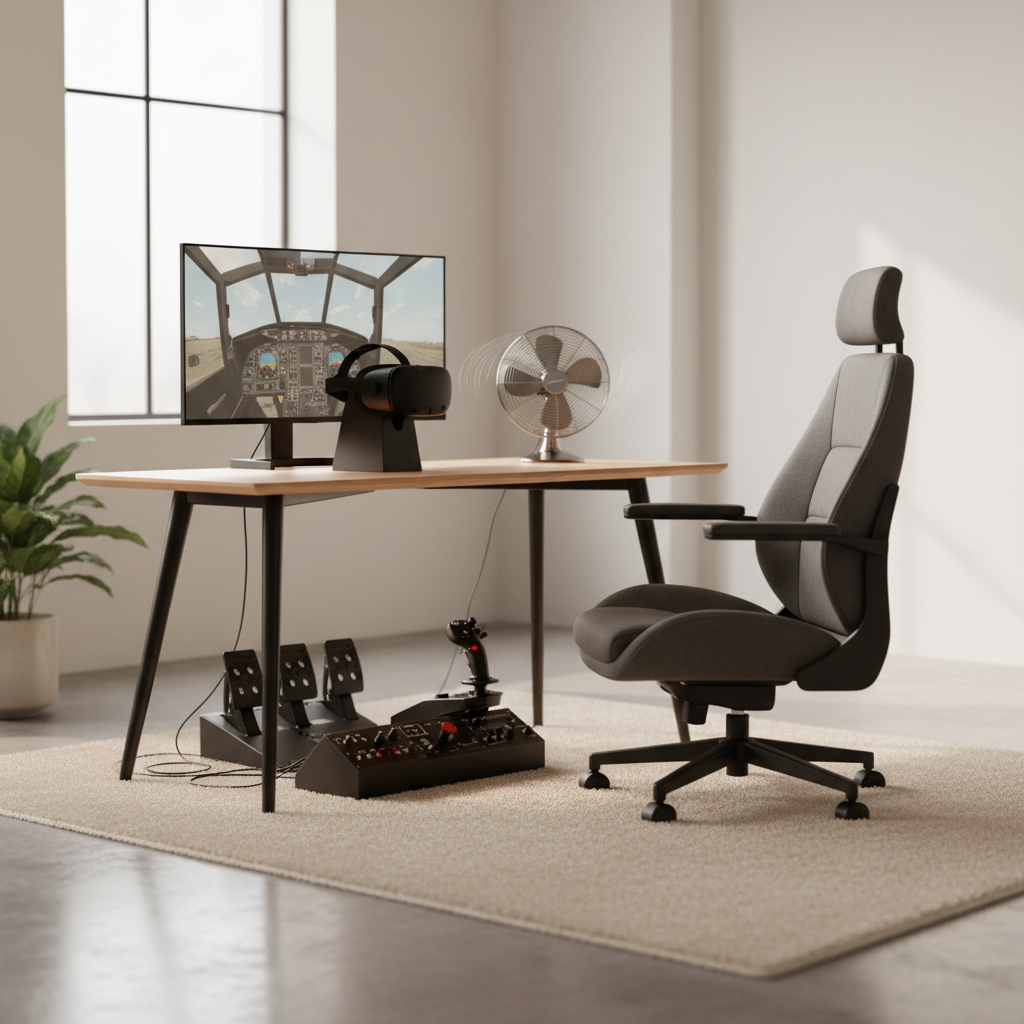
Mistakes people make when chasing the “best VR flight sim”
A few patterns show up every year, and they waste money more than they improve flying.
- Buying the sim before confirming comfort: if you are new to VR, test short sessions and stable settings before sinking into complex aircraft.
- Over-upgrading controls too early: a premium HOTAS feels great, but poor bindings and unstable performance still ruin the session.
- Confusing add-on quality with VR quality: a great aircraft on a flat screen can be unreadable in a headset if the cockpit textures and lighting are not VR-friendly.
- Chasing “ultra” settings: in VR, “clear enough and smooth” usually beats “pretty but jittery.”
If you feel stuck, step back and simplify: one aircraft, one airport, one weather preset, then add complexity.
Conclusion: choosing your best VR flight sim for 2026
The best vr flight sim 2026 is the one that matches your flying goal and stays comfortable long enough for you to actually practice. For most US players, that means picking a primary platform, then building a stable VR baseline before collecting aircraft and scenery.
- If you want civil aviation and world touring, MSFS is a safe place to start, as long as you accept some tuning.
- If you want flexible training workflows and strong control support, X-Plane 12 often fits well.
- If you want high-fidelity combat, DCS is the commitment pick that can pay off hugely.
- If you want VR-native simplicity, VTOL VR is hard to beat for friction-free sessions.
Action step: choose your main use case, then spend one evening dialing in stable performance and bindings, you will get more value from that than from buying three more planes.