• Blog
    News

gaming monitor setup

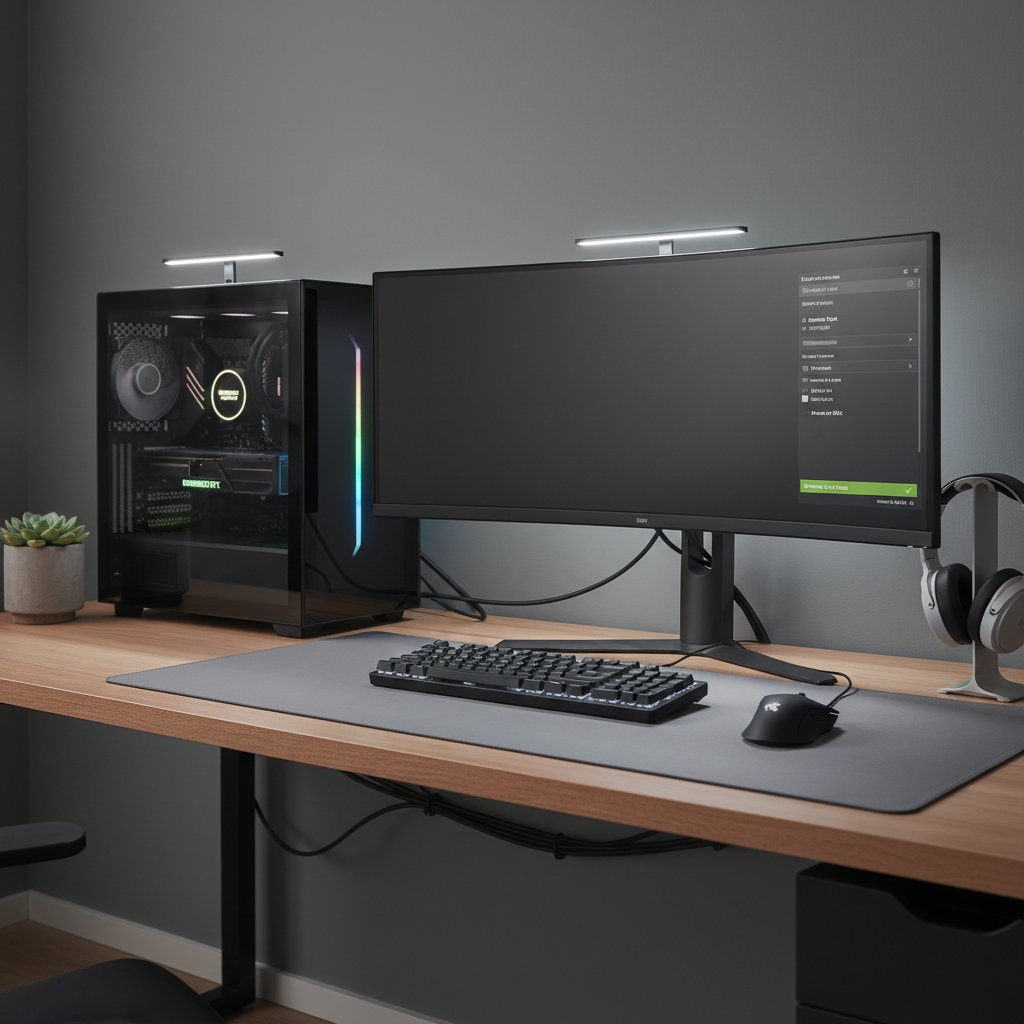
  • Gaming monitor connected to an NVIDIA GPU via DisplayPort for enabling G-SYNC

    How to Enable G-SYNC for Gaming Monitor

    How to Enable G-SYNC for Gaming Monitor

    how to enable g sync for gaming monitor: stop screen tearing and stutter with a quick checklist, correct NVIDIA settings, and simple troubleshooting steps.

    last month
    14
    variable refresh ratenvidia control panelg-syncgaming monitor setupdisplayport

Search

Recommended Reading

  • PSVR 2 headset and Sense controllers in a modern living room setup
    Best PSVR 2 Games 2026
    2 months ago
    108 Views
  • PC gaming stutter after Windows Update troubleshooting checklist on a desktop setup
    How to Fix Game Stuttering After Windows Update
    last month
    40 Views
  • Player exploring a VR survival landscape with crafting UI and backpack inventory
    Best VR Survival Games 2026
    2 months ago
    36 Views
  • VR player casting magic spells in a fantasy arena
    Best VR Magic Games 2026
    2 months ago
    32 Views
  • GTA V VR mod setup on a gaming PC with a VR headset
    Best GTA 5 VR Mods 2026
    2 months ago
    31 Views

New Articles

  • PC gaming stutter after Windows Update troubleshooting checklist on a desktop setup
    How to Fix Game Stuttering After Windows Update
    last month
    40 Views
  • Fair MMO gameplay without pay-to-win cash shop advantages
    MMO Games With No Pay To Win Mechanics
    last month
    19 Views
  • Four-player tactical co-op squad coordinating in a military shooter
    Best Games With Military Tactical Coop
    last month
    20 Views
  • Player-built wooden base overlooking a hostile open world survival landscape
    Open World Survival Games With Base Building
    last month
    19 Views
  • PS5 DualSense controller analog stick drift troubleshooting on a desk
    How to Fix Controller Drift on PS5 DualSense
    last month
    19 Views
  1. Home
  2. /
  3. gaming monitor setup
INFORMATION
BlogNewsSitemap
FOLLOW US
Reddit

Contact Us

support@game.geminiapex.com

© 2026 Geminiapex Competitive Game Skills and Esports Experience