
best gta 5 vr mods 2026 is a search people make when the usual “VR mod list” posts don’t answer the real question: which mod actually works on your PC, with your headset, without turning every session into troubleshooting.
GTA V in VR can feel incredible, but it can also feel like a science project, the moment you mix script hooks, graphics injectors, and headset runtimes. The good news is you can get a stable, good-looking VR experience if you pick the right approach and set expectations.
This guide focuses on practical picks, what each one is good at, what tends to break, and how to set up a baseline that stays playable. I’ll also flag a few “sounds cool, usually hurts performance” traps, because they waste the most time.
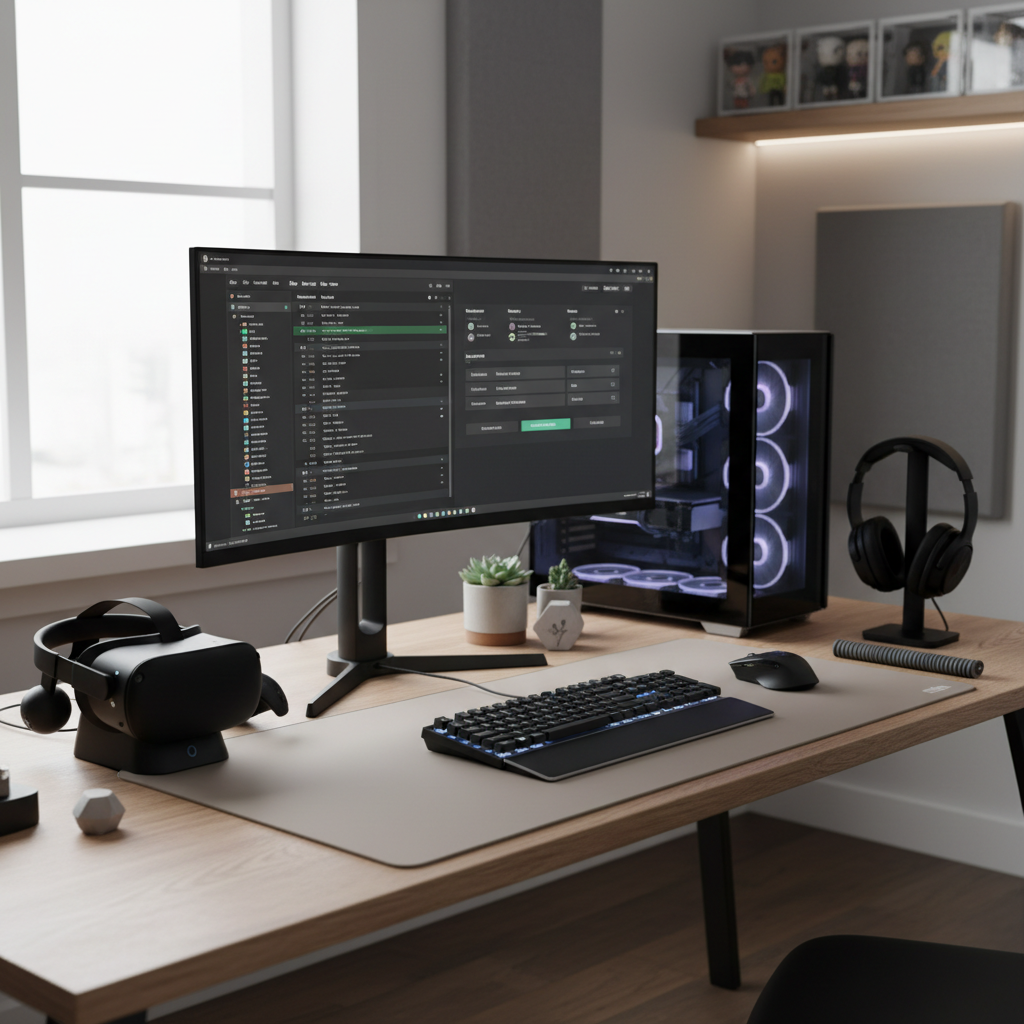
What “VR mod” means for GTA 5 in 2026 (so you don’t pick the wrong thing)
In practice, GTA V VR falls into a few buckets, and mixing them up is where most frustration starts.
- True VR camera + head tracking: the game renders in a VR view and tracks your head movement. This is what most people mean by “GTA 5 in VR.”
- Stereo / 3D + head tracking overlays: can feel VR-ish, but often behaves more like a big 3D screen with tracking.
- First-person immersion mods: not VR by themselves, but they pair well with VR camera mods because they improve hands, weapons, interiors, and animations.
- Performance/visual stack: things like upscalers and reshade-style tweaks can help or hurt VR stability depending on how aggressive you get.
One more reality check: GTA V was not built for VR from day one, so you’re always balancing immersion vs comfort vs stability, and your hardware does matter.
Best GTA 5 VR mods 2026: quick comparison table
If you only want a fast shortlist, start here, then read the next sections to match the mod to your priorities.
| Mod / Approach | Best for | Trade-offs | Typical setup difficulty |
|---|---|---|---|
| Luke Ross REAL VR (R.E.A.L. mod) | Most “plug-in” path to cinematic VR driving/exploring | May limit motion controller support; some UI/cutscene quirks | Medium |
| GTA V “VR” via injector-style stereo/6DoF tools | Tinkerers who want knobs, profiles, experiments | Quality varies; can introduce artifacts and performance dips | High |
| First-person enhancement mods (paired) | Better immersion while on foot, cleaner POV | Can conflict with scripts; updates may break things | Medium |
| Performance helpers (DLSS/FSR-style, frame pacing tools) | Keeping frame rate stable for comfort | Over-tuning can add shimmer/ghosting in VR | Low to Medium |
Key point: if your goal is “VR that actually feels like VR,” the camera/head-tracking mod choice matters more than any graphics tweak.
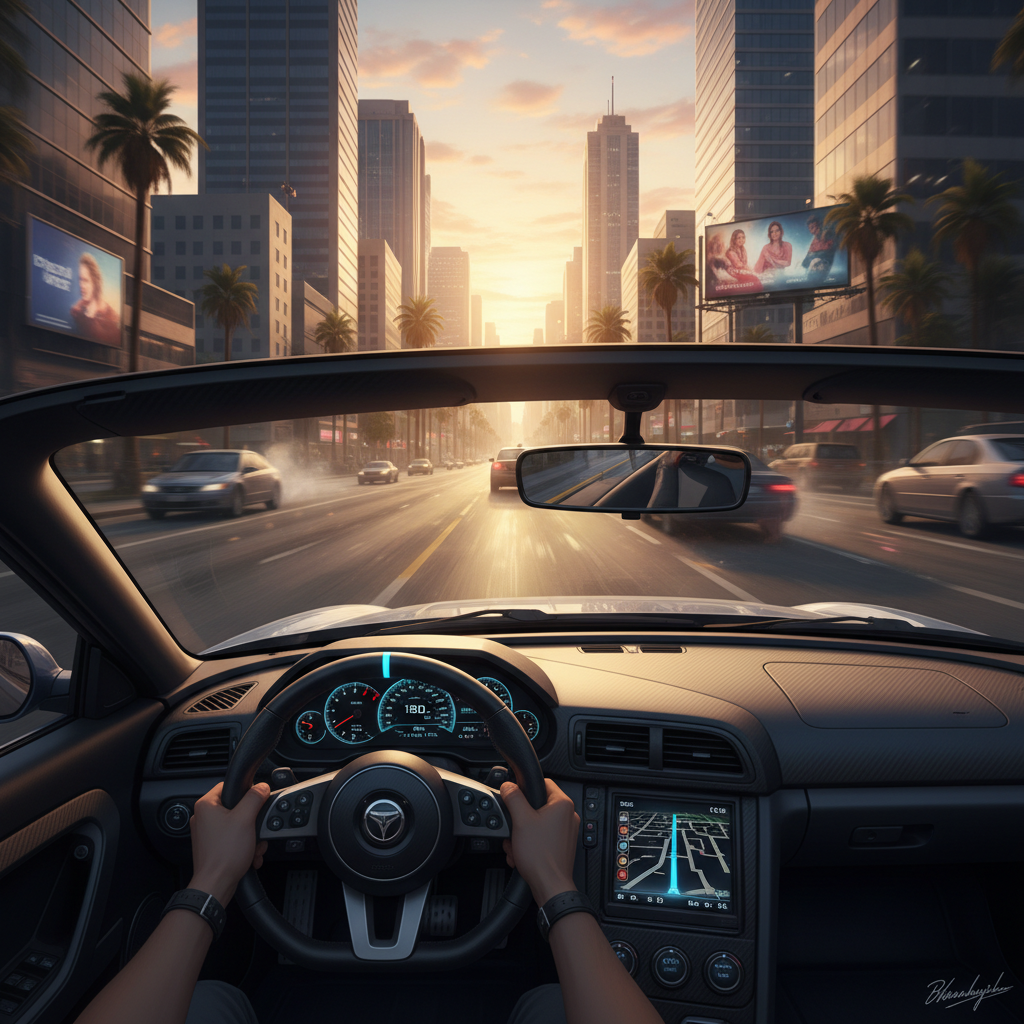
Top pick for most players: Luke Ross REAL VR (what it’s great at)
For a lot of players, Luke Ross’ REAL VR mod remains the most straightforward “it feels like VR” option, especially if you care about driving, flying, and exploring the city in a cinematic way.
Why it’s commonly recommended
- Strong sense of scale, which is what most flat-to-VR conversions miss
- Relatively consistent head tracking once you dial in comfort settings
- Good for open-world roaming, where GTA V shines anyway
Where people get surprised
- Motion controller expectations: many setups still feel “gamepad-first.” If you want full hand presence like native VR shooters, you may be disappointed.
- UI/cutscenes: not every moment in GTA V was designed to be comfortable in a headset.
- Updates and compatibility: game patches can break mods, so you may need to lock versions or wait for updates.
When someone asks for the best gta 5 vr mods 2026, this is usually the starting point, then you layer optional quality-of-life mods carefully.
Runner-up paths: stereo/injector VR tools (for tinkerers)
If you like tweaking profiles, testing render modes, and pushing visual experiments, injector-style stereo/VR tools can be appealing. They can also be the fastest route to “why does this look wrong in my headset.”
These tools vary widely by GPU driver behavior, headset runtime, and the exact GTA V build you run, so treat them as a hobby route, not a guaranteed solution.
When this route makes sense
- You enjoy troubleshooting and keeping notes on what changed
- You’re trying to hit a specific visual goal, like sharper distance detail
- You already have a stable, modded GTA V build and you’re adding VR last
Common failure points
- Depth artifacts around HUD elements or weapon models
- Frame pacing issues that feel worse in VR than on a monitor
- Stack conflicts when you combine reshade, ENB-like effects, and VR rendering
Comfort and immersion boosters (mods that pair well, cautiously)
Most people chasing the best GTA V VR experience in 2026 end up building a small “support stack.” Keep it small on purpose, stability beats novelty in VR.
Useful categories to look for
- First-person camera polish: reduces weird head bob, fixes awkward on-foot POV, improves aiming feel
- Vehicle interior tweaks: better dashboards and camera positions help a lot in VR driving
- Traffic/ped behavior tuning: not glamorous, but fewer chaotic spikes can reduce nausea triggers
- HUD cleanup: cleaner UI reduces eye strain, especially in long sessions
Practical rule: add one mod at a time, confirm stability for 20–30 minutes, then move on. VR makes small problems feel big fast.
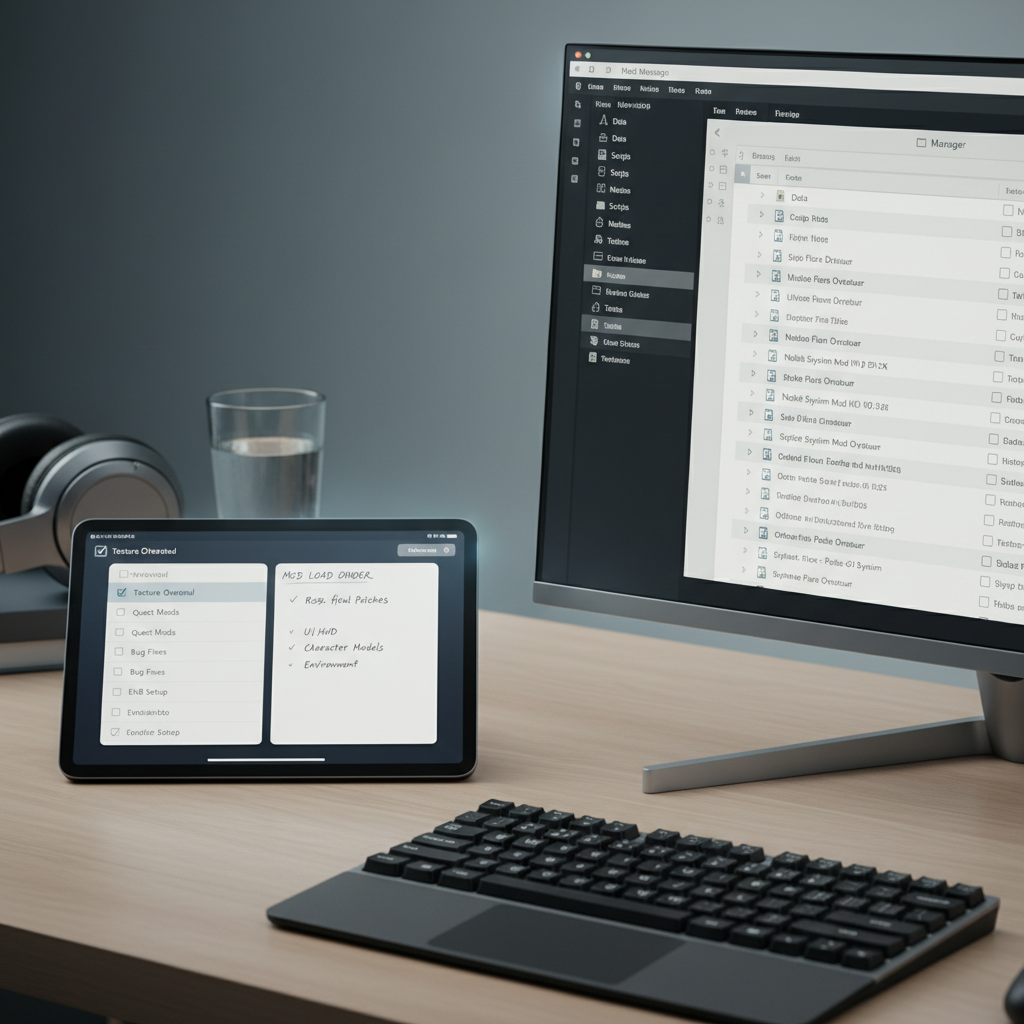
Self-check: which setup is right for you?
Before you install anything, be honest about what you want, it saves hours.
- I want minimum friction → prioritize a single VR camera solution, keep extra mods minimal.
- I want the sharpest image possible → focus on performance tuning, resolution strategy, and lighter post-processing.
- I get motion sick easily → prioritize stable frame rate, comfort settings, shorter sessions, fewer “cinematic” camera effects.
- I want on-foot immersion → choose first-person enhancement mods that play nicely with your VR method.
- I’m on midrange hardware → avoid heavy graphics packs, start with performance-first settings.
Reality check: the “best” pick in best gta 5 vr mods 2026 often depends on whether your bottleneck is GPU headroom, CPU spikes, or your tolerance for troubleshooting.
Setup steps that usually work (without turning into a weekend project)
This is the stable baseline approach that tends to reduce conflicts.
1) Lock down your base game
- Verify GTA V runs clean in flat mode first
- Back up your GTA V folder before adding mods
- If you’re using a mod manager, keep profiles separate for VR vs non-VR
2) Install the VR layer, then test
- Install your chosen VR mod, run the game, confirm you can load into free roam
- Spend 10 minutes driving and 10 minutes on foot, watch for stutter and UI issues
3) Add only the “support stack” you can justify
- First-person polish mod (if needed), then test again
- Performance helper next, tune conservatively
- Only after stability, consider visual tweaks
4) Tune for comfort, not bragging rights
- Prefer stable frame pacing over max resolution
- Reduce aggressive sharpening if it causes shimmer
- Dial down motion effects that feel cinematic on monitor but nauseating in VR
According to SteamVR (Valve), maintaining consistent performance and comfort settings is important for a better VR experience, and most users feel discomfort faster when frame delivery becomes uneven.
Common mistakes (and how to avoid the ones that waste time)
- Installing five mods at once: when something breaks, you won’t know why. Single-change testing is boring, but it works.
- Chasing ultra graphics: in VR, “pretty” can turn into “unplayable” with a small performance drop.
- Ignoring version mismatch: many GTA V mods depend on specific script hooks and game builds.
- Assuming all headsets behave the same: runtime differences can change reprojection, scaling, and perceived smoothness.
- Overlooking control expectations: some experiences remain gamepad-centric, which is fine if you decide that up front.
If you’re evaluating the best gta 5 vr mods 2026 for your setup, “less stuff, better testing” usually wins over giant mod packs.
When to get help (and what info to bring)
Sometimes the issue is not “you did it wrong,” it’s a conflict, a driver quirk, or a game build mismatch. If you hit repeated crashes or severe discomfort, consider asking for help in the mod’s official community channels.
- Bring your GTA V version, mod version, and a list of installed mods
- Share your headset model, GPU, CPU, and whether you use SteamVR/OpenXR runtime settings
- Describe the problem as a repeatable sequence, not just “it’s broken”
If you feel strong nausea, dizziness, or headaches, it’s smart to stop and take a break, and if symptoms persist, consider consulting a medical professional.
Conclusion: the “best” choice is the one you can keep stable
The most satisfying GTA V VR setups in 2026 usually come from picking one solid VR method, testing it until it feels predictable, then adding only a small number of comfort and immersion upgrades. When you treat stability as a feature, the city opens up in a way flat mode never quite matches.
Action ideas: pick one primary VR mod to try this week, then commit to a one-change testing routine, you’ll get to a playable build faster than you expect.
FAQ
What are the best gta 5 vr mods 2026 for beginners?
Most beginners do better with a single, well-known VR camera mod and minimal extras. The goal is a stable baseline first, then you can add first-person polish or performance helpers if you feel clear pain points.
Can I play GTA V VR with motion controllers?
In many setups, GTA V VR still feels gamepad-first, even when head tracking works well. Some tools and profiles improve interaction, but fully native-style hand presence varies, so set expectations before you buy new gear.
Why does GTA V VR look blurry compared to my monitor?
VR clarity depends on headset resolution, render scale, anti-aliasing choices, and whether you’re reprojecting frames. Often you can improve perceived sharpness by tuning render scale carefully and avoiding over-sharpen filters that add shimmer.
What PC specs do I need for a good experience?
It depends on headset resolution and target frame rate, but GTA V VR is typically more sensitive to frame pacing than flat play. If you’re on midrange hardware, prioritize stable settings over ultra textures and heavy post-processing.
Do graphics mods help in VR, or hurt?
Both happen. Light visual tweaks can improve readability, but heavier packs and aggressive reshade presets often cost performance where VR can’t afford it. Add visuals last and keep a rollback plan.
Is modding GTA V for VR safe?
Modding always carries some risk of crashes or corrupted installs, so backups matter. For online play, be careful: many mods are intended for single-player, and using them in online modes can violate platform rules.
Why do I feel motion sick so fast in GTA V VR?
GTA has lots of acceleration, camera motion, and quick turns, which can be rough in a headset. Shorter sessions, stable frame rate, comfort settings, and reducing camera effects usually help, and if you’re sensitive, take it slow.
If you’re trying to build a “set it up once, play more than you tweak” GTA V VR profile, make a short list of the mods you’re considering and your hardware details first, it’s the quickest way to choose a stack that matches your comfort and patience level.