
best vr social apps 2026 is really a question about fit, not hype, because the “right” app depends on whether you want low-pressure hangouts, structured events, live performances, or friend groups that actually show up.
If you have ever downloaded three social worlds, spent an hour in tutorials, then bounced because it felt empty, chaotic, or uncomfortable, you are not alone, VR social can be amazing, but only after you match your headset, tolerance for crowds, and safety settings to the right platform.
This guide focuses on what tends to matter in real use, device support, moderation, comfort features, creator tools, and the vibe you will run into on a random Tuesday night, plus a quick table to narrow choices fast.
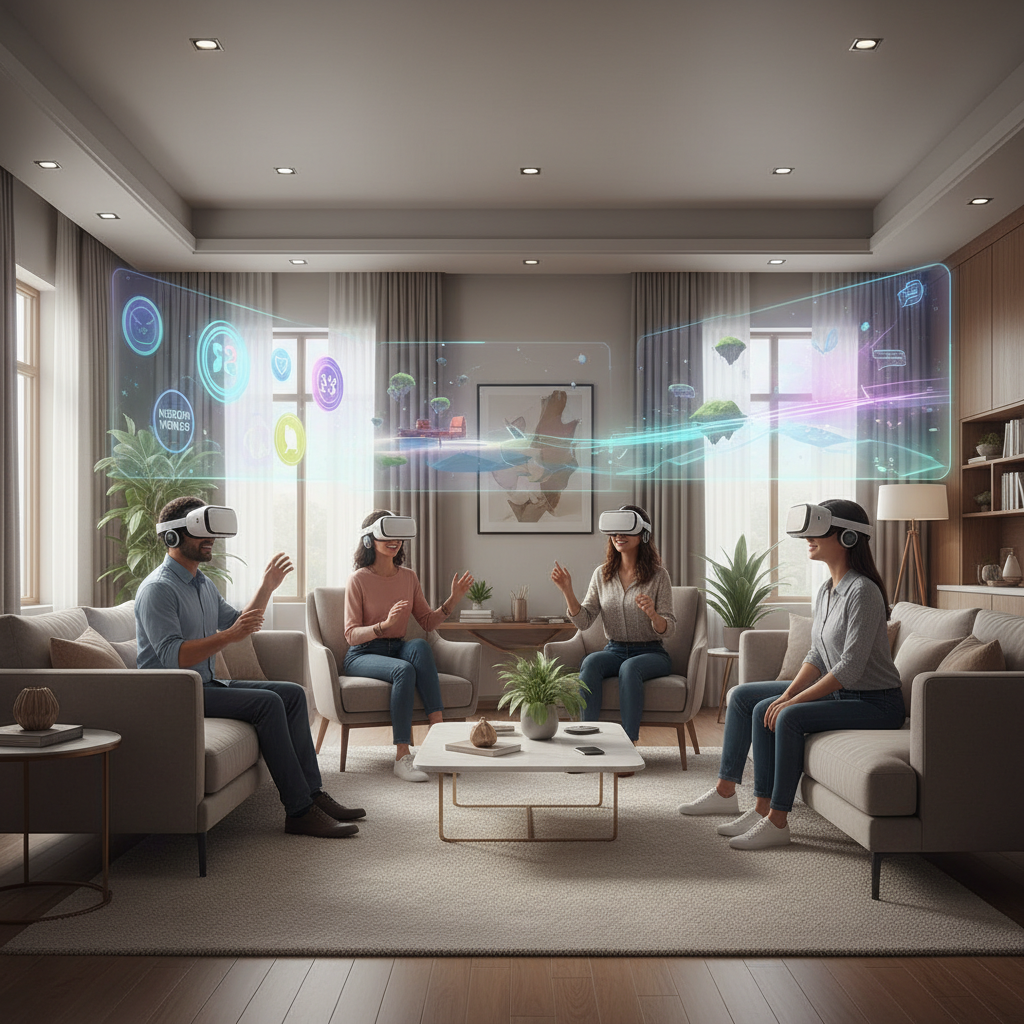
What “best” means for VR social in 2026
People search best vr social apps 2026 expecting a ranked list, but what usually makes or breaks the experience is one or two practical constraints: where your friends already are, how strong your PC is, and whether you can control who interacts with you.
In 2026, most VR social apps compete on a few axes that matter day to day:
- Population and discoverability: can you reliably find rooms with people you actually want to talk to.
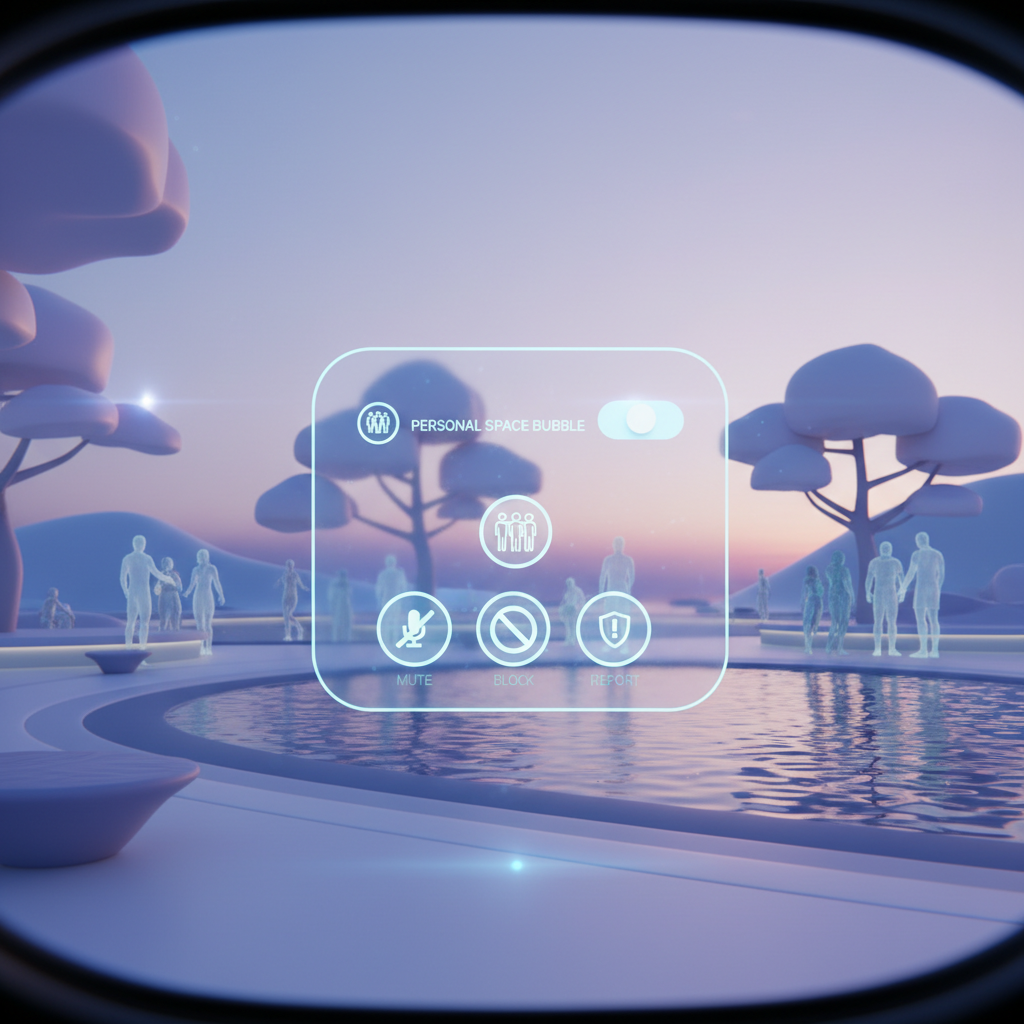
- Safety and moderation: blocking, personal space, reporting flow, and how quickly harassment gets handled.
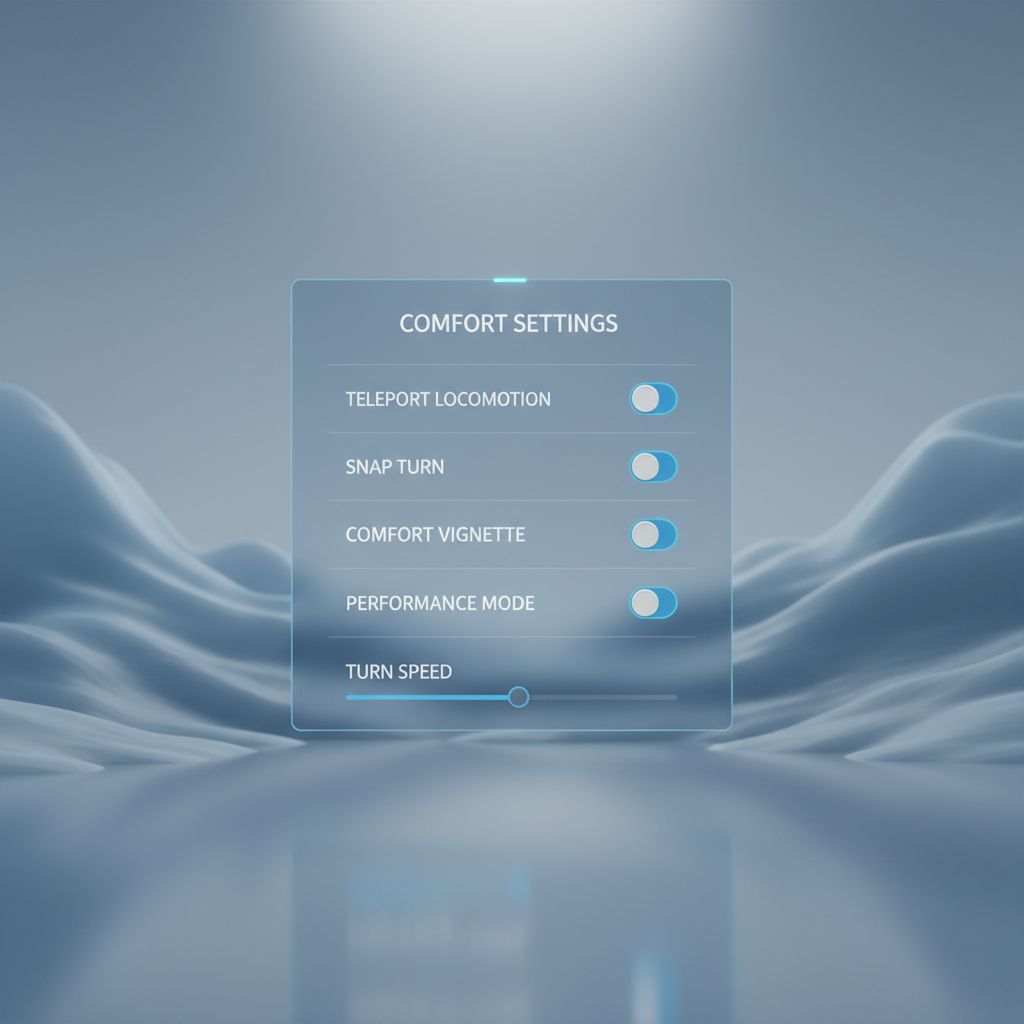
- Comfort options: turning, locomotion, voice controls, captions, and performance tuning to reduce discomfort.
- Events vs. free roaming: scheduled shows and meetups feel different from “walk into a random world.”
- Cross-platform support: standalone headsets vs PC VR, and whether mobile/desktop users can join.
According to Meta, built-in safety features like personal boundary controls and easy blocking are core to their Horizon experiences, which mirrors what many social platforms now treat as baseline rather than a bonus.
Quick comparison table: popular VR social apps at a glance
This table is intentionally practical, it will not capture every feature, but it helps you avoid the wrong download for your setup.
| App | Best for | Typical vibe | Hardware fit | What to watch for |
|---|---|---|---|---|
| VRChat | Huge variety, creators, communities | Anything goes, from chill to chaotic | PC VR strongest, Quest varies by world | Content moderation varies by instance |
| Meta Horizon Worlds | Easy drop-in social, casual games | Approachable, mainstream | Quest-focused | Region and feature availability can vary |
| Rec Room | Games with friends, cross-play | Arcade energy, lots of groups | VR + non-VR cross-platform | Younger audience in many public rooms |
| Bigscreen | Movie nights, watch parties | Chill, “sit and talk” | PC VR strong, standalone support varies | Room rules depend on hosts |
| Resonite | Advanced creators, experimental social | Builder-heavy, tech-forward | Often PC VR oriented | Steeper learning curve |
| NeosVR (legacy/community status) | Legacy communities | Niche | Varies | Check current development status before committing |
Key takeaway: if you want the widest range of hangout styles, start where creation and community are strongest, if you want predictable comfort and guardrails, start with the most “platform-like” options.
Top picks and who they suit
Rather than pretending one app wins for everyone, here are the picks that most often solve specific needs, with the tradeoffs stated plainly.
VRChat: the biggest ecosystem, with the biggest variability
VRChat remains the place where you can find almost any subculture, language exchange, dance nights, creator showcases, or quiet “talk rooms,” and that range is exactly why it can feel overwhelming.
- Choose it if: you like exploring worlds, joining communities, and you do not mind learning norms per space.
- Works best when: you can use PC VR for performance and more content, although many Quest-compatible worlds exist.
- Tradeoff: public lobbies can be noisy, you will rely on your own safety settings and selective room choices.
Meta Horizon Worlds: low friction, easy social defaults
Horizon Worlds tends to feel more guided, with clearer onboarding, structured activities, and social features aligned to the Quest ecosystem.
- Choose it if: you want “turn it on and meet people” without hunting for communities.
- Tradeoff: less of the wild variety you see in creator-heavy platforms, and availability can differ by account region and rollout.
Rec Room: social through games, with strong cross-play
Rec Room is often the easiest recommendation when your group includes non-VR friends, because the shared activity reduces the “so… what do we do now” awkwardness.
- Choose it if: you want minigames, quests, and a lighter social vibe.
- Tradeoff: many public spaces skew younger, private rooms and friend groups usually feel more consistent.
Bigscreen: best for watch parties and calm conversations
Bigscreen is not about running around, it is about sitting down, talking, and watching something together, which makes it one of the most comfortable “first VR social” experiences for a lot of people.
- Choose it if: movie nights, sports streams, or “background media while chatting” is your thing.
- Tradeoff: less of a world-exploration loop, more of a room-host culture.
Resonite: powerful creation, smaller crowd
Resonite appeals to people who want to build, prototype, and tinker inside the social space, the social layer is there, but the “why” often starts with making things.
- Choose it if: you are creator-minded and you like learning tools.
- Tradeoff: smaller population and a learning curve that can feel like a creative suite, not a simple chat app.
A quick self-check: which app should you try first?
If you are stuck deciding, answer these quickly and you will usually know where to start.
- I want the biggest variety of social worlds → VRChat.
- I want simple onboarding and mainstream social spaces → Horizon Worlds.
- I want to do activities, not just talk → Rec Room.
- I want a calm hangout that feels like a living room → Bigscreen.
- I want to build and iterate with others → Resonite.
One more honest filter, if you get overwhelmed in crowded voice chats, pick an app where you can start in private rooms or structured activities, then expand slowly.
Practical setup tips that improve your first week
Most “VR social is awkward” complaints are really setup issues, audio, boundaries, and performance. Fix those and you usually feel in control.
Dial in audio before you join busy rooms
- Set a comfortable mic gain, then test in a quiet space so you do not clip or whisper.
- Use push-to-talk if you have background noise at home.
- If you are sensitive to loud rooms, lower voice chat volume and keep one ear open in real life.
Turn on safety defaults immediately
- Personal space / boundary: reduces unwanted close contact and visual overwhelm.
- Mute and block shortcuts: learn them on day one, not during a stressful moment.
- Friends-only instances: if you are new, start here, the vibe is usually better.
According to the FTC, using privacy and security controls is a key part of protecting yourself online, VR social is still “online,” just more immersive, so taking five minutes to set controls is worth it.
Reduce discomfort and motion issues
Some people feel motion discomfort in VR, especially with smooth locomotion and artificial turning, if you get headaches, nausea, or eye strain, it may help to switch to teleport movement, use snap turn, and shorten sessions, persistent symptoms deserve a break and possibly a conversation with a medical professional.
Common mistakes that make VR social feel worse
A lot of people blame the app when the real issue is how they entered it.
- Jumping into the busiest public lobby: it is like judging a city by a crowded subway car.
- Ignoring performance limits: low frame rate makes everything feel stressful, choose lighter worlds on standalone headsets.
- Not curating: follow creators, save good worlds, join groups, otherwise every session resets to randomness.
- Over-personalizing too early: spend your first hour learning navigation and safety tools, then avatar shopping becomes fun instead of a chore.
How to get more out of VR social, step by step
Here is a simple flow that works across most of the best vr social apps 2026 options without turning it into a project.
- Session 1: set safety controls, adjust audio, visit two calm spaces, add one friend.
- Session 2: join one structured activity or event, leave fast if the vibe is off.
- Session 3: use groups, Discord communities, or in-app events to meet the same people again.
- Week 2: curate favorites, then rotate between one “comfort” space and one “explore” space.
If your goal is actual friendships, repeat exposure matters more than novelty, one good weekly meetup beats ten random lobbies.
Conclusion: picking your best VR social app in 2026
The best vr social apps 2026 list is less about a single winner and more about choosing the first app that matches your comfort level and your social style, then using safety settings and repeat communities to make it stick.
If you only do one thing after reading this, pick one platform, schedule one small hangout, and commit to three sessions before you judge it, that is usually enough to see whether the vibe fits.
If you want a quicker path, start with a calmer room, set boundaries early, and add people you would actually talk to again, VR social gets good when it stops being random.
FAQ
What are the best vr social apps 2026 for beginners who feel shy?
Bigscreen and structured, activity-based spaces in Rec Room often feel lower pressure, you can sit, listen, and talk when ready, instead of “performing” in a crowded lobby.
Which VR social app is best if my friends are on different devices?
Rec Room is widely used for cross-play, and some platforms also support desktop users, the practical move is to pick the one that lets your whole group show up without friction.
Is VRChat safe to use in public worlds?
It can be, but it depends on the room and your settings, use personal space features, block quickly, and prefer friends-only or moderated community instances when you are new.
Do I need a gaming PC for the best experience?
Not always, but PC VR often expands content and improves performance in creation-heavy apps, if you are on a standalone headset, choose optimized worlds and keep expectations realistic.
How do I avoid toxic rooms in VR social apps?
Start with curated events, groups, and friends-of-friends spaces, and do not hesitate to leave, most apps reward a bit of curation, randomness is where bad experiences cluster.
Which app works best for live shows or events?
It varies by event type and community, VRChat often hosts a wide range of community-run events, while more platform-driven apps may offer simpler discovery, check in-app calendars and group listings.
Can VR social apps cause motion sickness or eye strain?
They can for some people, especially with smooth movement and long sessions, use comfort settings, take breaks, and if symptoms persist, consider asking a medical professional.
How can I meet people without talking the whole time?
Pick apps and rooms with shared activities, watch parties, casual games, or collaborative building, having a “thing to do” makes silence feel normal rather than awkward.
If you are trying to choose between two apps and want a more “no wasted downloads” approach, make a short list of your headset, comfort limits, and the type of hangout you want, then test one app per week with the same friend group, it is the simplest way to find your personal best.