Best vr dance pad 2026 searches usually come from one simple frustration: you want the fun and cardio of dance games in VR, but you don’t want to waste money on a pad that slips, feels mushy, or causes tracking headaches.
What makes this category tricky is that “VR dance pad” can mean three different things: a classic DDR-style pad used while wearing a headset, a floor mat built mainly for grip and comfort, or a sensor-driven accessory that tries to add foot input. The right choice depends more on your room, your headset, and your tolerance for impact than on brand hype.
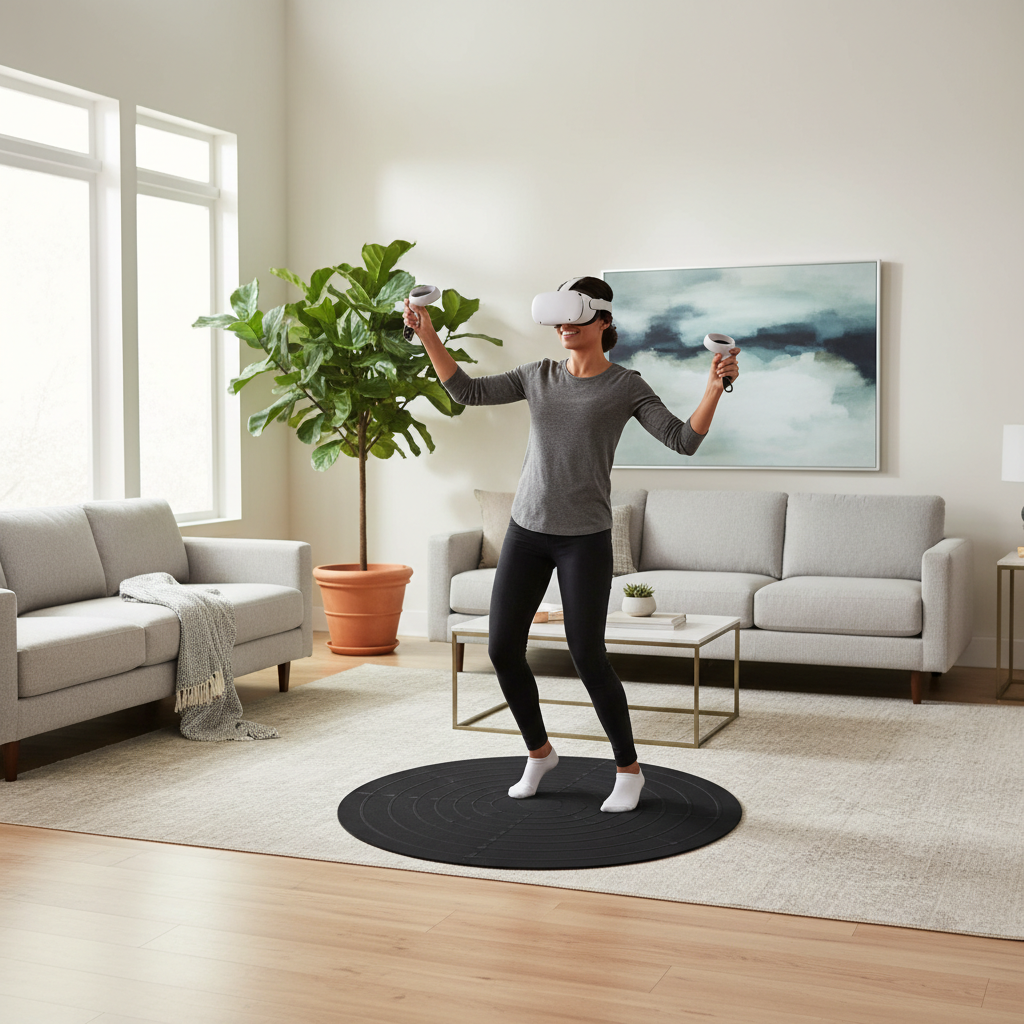
This guide focuses on how to pick a pad that feels stable underfoot, plays nicely with VR movement, and fits common U.S. living spaces. You’ll also get a quick comparison table, a self-check list, and a setup routine that reduces slips and sore joints.
What “VR dance pad” really means in 2026
In 2026, most VR rhythm titles still rely on hand controllers and headset tracking, not true foot-step detection. So a “VR dance pad” is often a floor interface that improves comfort and traction more than it adds gameplay inputs.
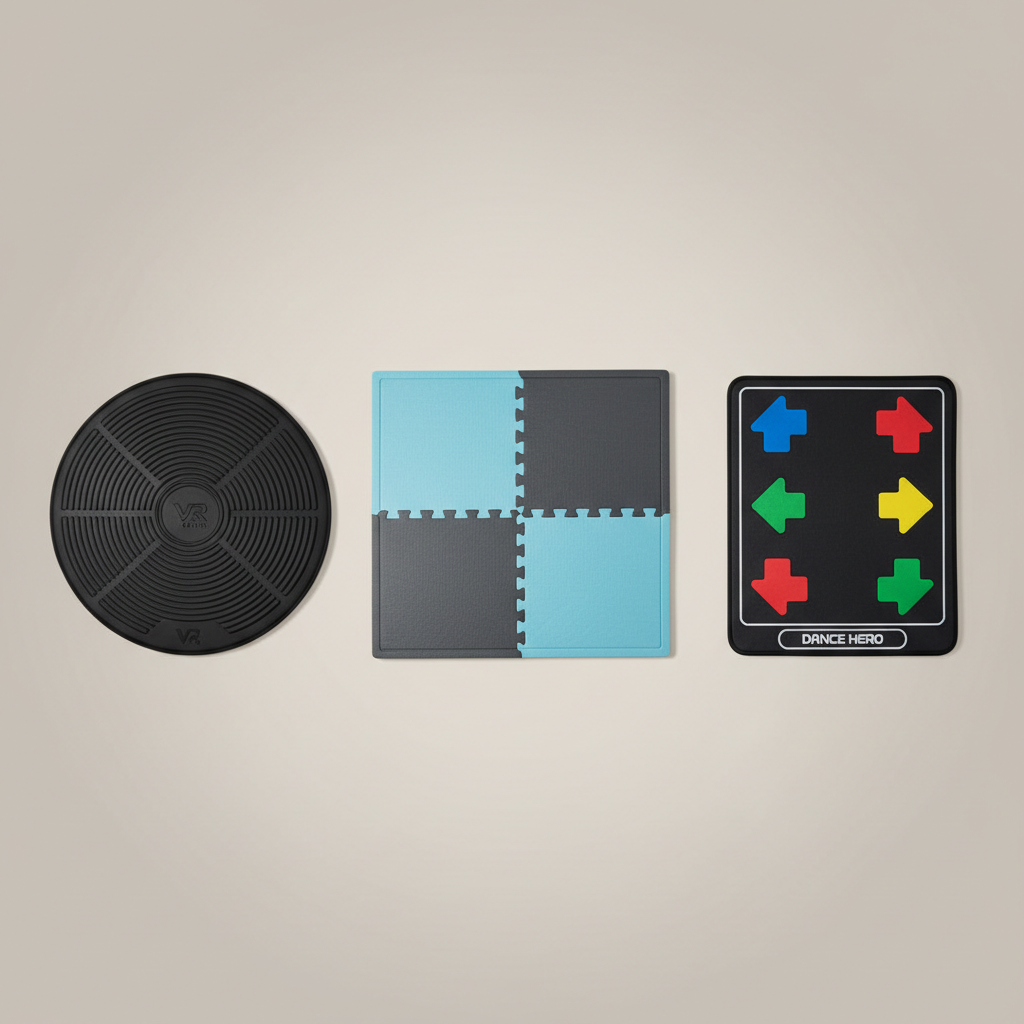
- DDR-style USB pads: Designed for step arrows, typically for PC rhythm games. Some people use them in VR for workouts, even if the VR game doesn’t read foot presses.
- Grip-and-cushion mats: Built to reduce slipping, dampen impact, and define your “safe zone” while you’re in a headset.
- Sensor/IMU accessories: Less common, sometimes finicky, and often dependent on specific apps or community support.
So when you shop for the best vr dance pad 2026, keep one question in front: Do you need actual button inputs, or do you mainly need stability and comfort?
Key buying factors that matter more than brand names
People tend to over-index on “thicker is better,” then end up with a pad that feels slow or unstable. Here’s what tends to matter in real rooms.
1) Grip and edge curl
A pad that slides is a safety problem in VR because you can’t see micro-movement under your feet. Look for textured undersides, corner weighting, and materials that don’t “potato chip” at the edges.
2) Cushioning vs. stability
More foam can reduce impact, but too much squish makes quick steps feel wobbly. If you’re doing lots of lateral movement, moderate cushioning usually feels more controlled.
3) Footwear and noise
- Socks-only: needs high traction, otherwise it’s slip city.
- Sneakers: more forgiving, but can scuff soft surfaces.
- Apartment living: consider noise damping, especially if you’re on an upper floor.
4) Size and boundary awareness
A slightly raised edge or contrasting surface helps you “feel” where you are without looking. That’s underrated until you spin mid-song and realize you drifted.
Quick comparison table: which type fits your setup?
This table won’t tell you a single “winner” because needs vary, but it will help you stop comparing apples to oranges.
| Type | Best for | Pros | Trade-offs |
|---|---|---|---|
| DDR-style USB pad | PC rhythm + occasional VR workouts | True step inputs, familiar layout | May slip, edges can curl, not needed for most VR-only games |
| Grip-and-cushion mat | VR rhythm fitness, daily sessions | Stability, comfort, easy setup | No gameplay input, quality varies by material |
| Interlocking foam tiles | Budget home gyms, flexible spaces | Custom size, decent shock absorption | Seams can catch toes, can separate under twisting |
| Sensor-driven foot accessory | Tinkerers, specific supported apps | Potential foot interaction | Compatibility risk, calibration and support can be uneven |
Self-check: choose the right pad in 2 minutes
If you answer these honestly, you’ll narrow to one or two categories fast.
- Your main platform? Quest/PS VR2/PC VR. If you’re not running step-enabled PC games, a mat often beats an input pad.
- Floor type? Hardwood and tile usually need stronger grip than carpet.
- Workout intensity? Light rhythm vs. high-impact cardio sessions.
- Space constraints? Tight spaces benefit from a defined boundary you can feel.
- Noise sensitivity? Shared walls or downstairs neighbors may push you toward thicker damping.
- Balance or joint concerns? You may want a slightly larger surface and moderate cushioning, and it can be smart to ask a clinician if you’re unsure.
Key takeaway: For most people searching best vr dance pad 2026, a stable non-slip mat ends up being the practical “best,” unless you specifically need step inputs for PC titles.
Practical picks by scenario (instead of one “best”)
These are “what to buy” patterns rather than brand claims, because availability and model names change fast.
Scenario A: VR rhythm fitness on Quest/PS VR2
- Choose: Grip-and-cushion mat, medium thickness, beveled edges if possible.
- Why it works: Better traction, less foot fatigue, clearer boundaries while you’re headset-blind.
- What to avoid: Ultra-plush mats that wobble under quick pivots.
Scenario B: PC rhythm + you want real step arrows
- Choose: DDR-style USB pad with reinforced corners or a rigid base option if you can store it.
- Setup tip: Add a non-slip underlay or rug gripper so it stays put on hardwood.
Scenario C: Apartment workouts and quiet matters
- Choose: Dense foam tiles under a thinner grippy top layer.
- Why: Damping comes from density more than softness, and layering often reduces “thump” noise.
Scenario D: Small play area, you drift a lot
- Choose: Mat with tactile border or a slightly raised perimeter.
- Why: Your feet notice the edge before your controllers find the lamp.
Setup steps that make any dance pad feel safer
A good pad can still feel bad if the setup is sloppy, especially on smooth floors.
- Clean the floor where the pad sits, dust makes “non-slip” behave like “sort of slip.”
- Anchor the corners using rug tape or non-marking grippers if the manufacturer allows it.
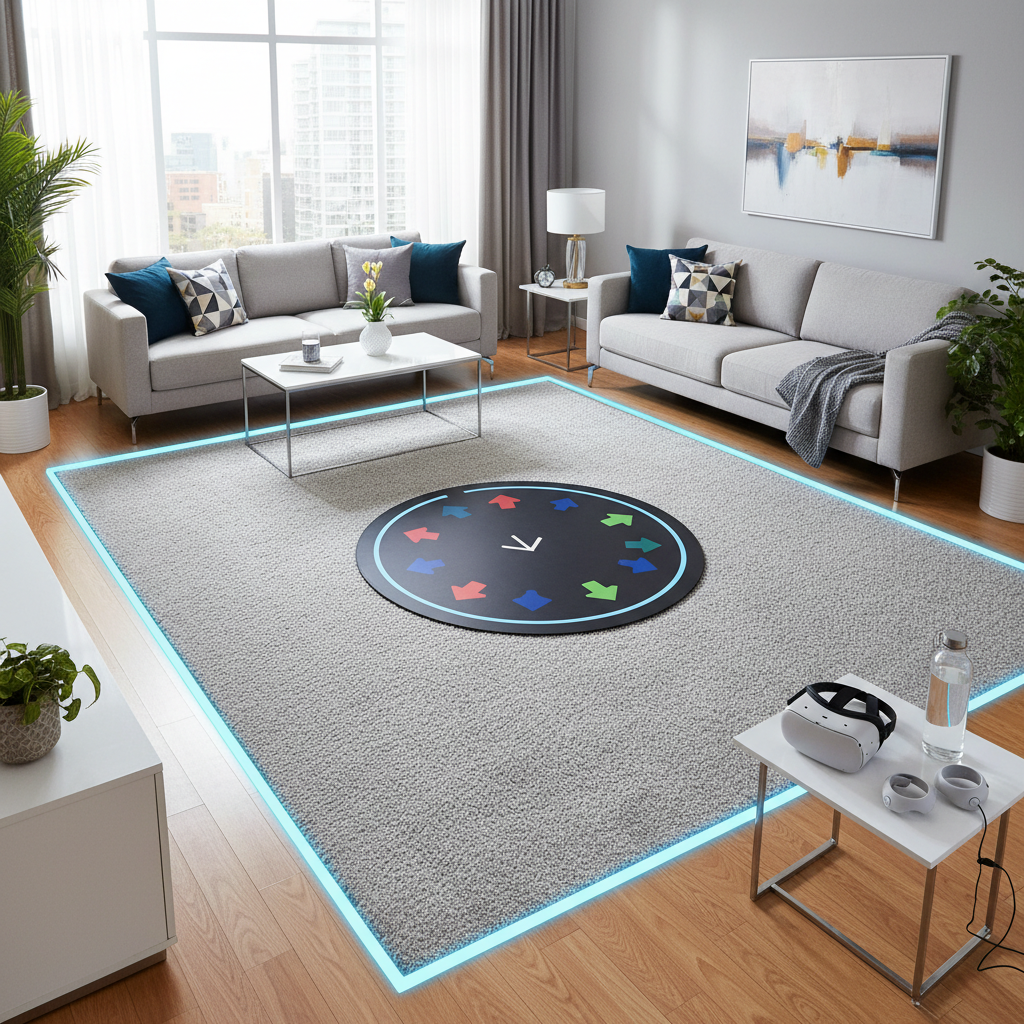
- Define a buffer zone: keep at least arm-length clearance around the pad, more if you punch or swing.
- Start with a 5-minute warm-up: ankles and calves take the first hit in rhythm workouts.
- Adjust your stance: slightly wider base reduces wobble when you turn.
According to the U.S. Consumer Product Safety Commission (CPSC), consumer injury prevention often comes down to basic hazard reduction in the environment, and VR adds the challenge of limited situational awareness, so clearing space matters.
Common mistakes (and how to avoid wasting money)
- Buying for “compatibility” that doesn’t exist: Many VR games won’t read pad inputs, so you’re paying for arrows you never use.
- Ignoring floor physics: A pad that behaves on carpet may slide on sealed hardwood.
- Over-cushioning: Extra thickness can feel nice standing still, then weird when you pivot fast.
- Skipping footwear tests: If you dance in socks, test traction early, don’t wait until you’re mid-session.
- No plan for sweat: Some surfaces get slick when damp, keep a small towel nearby and take short breaks.
If you’ve had past ankle, knee, or balance issues, pushing intensity too fast can backfire. Many situations are fine with gradual progression, but if pain persists, it’s reasonable to consult a qualified professional.
Conclusion: the “best” VR dance pad is the one you’ll use safely
For best vr dance pad 2026 shoppers, the most reliable path is picking a stable, non-slip surface that matches your floor, space, and workout style, then spending ten minutes on setup so it stays put. Step-input pads make sense mainly for PC rhythm play, while most VR-only dancers get more value from grip, comfort, and clear boundaries.
If you want one action step today, measure your play area and decide whether you need inputs or stability, that single choice narrows the field fast and keeps you from buying the wrong category.
FAQ
- Do VR dance pads work with Quest games?
Most Quest rhythm games don’t use dance-pad button inputs, so a pad is usually about traction and comfort rather than control. Check the specific game’s supported peripherals before paying extra for inputs. - Is a thicker mat always better for VR dancing?
Not always. Thicker can reduce impact, but too much softness may feel unstable when you pivot. Moderate cushioning often lands in the “comfortable but controlled” zone. - Will a DDR USB pad improve VR tracking?
It generally won’t change headset or controller tracking. What it can change is your foot feel and how consistently you stay centered, which indirectly helps your movement stay predictable. - How do I stop a dance pad from sliding on hardwood?
Try a non-slip underlay, rug grippers, or a thin rubber base layer. Also clean dust off the floor, it makes a bigger difference than people expect. - Are foam tiles good enough for VR rhythm workouts?
Often yes, especially on a budget, but watch for seams separating during twisting. If that happens, reduce rotation-heavy moves or switch to a single-piece mat. - What size mat should I buy for a small room?
A mat that clearly fits inside your VR guardian boundary is more important than going huge. Many people do well with a surface that supports a comfortable stance plus a small step in every direction. - Can VR dancing be hard on knees or ankles?
It can be, depending on intensity, footwear, and flooring. If you have joint concerns, easing into volume and considering supportive shoes may help, and persistent pain is a reason to consult a professional.