
Best paint the town red vr tips usually come down to two things people don’t expect: comfort settings that prevent sloppy decisions, and simple fight habits that keep you alive when the room turns into chaos.
If you’ve played for an hour and wondered why your swings miss, why you feel dizzy, or why every brawl turns into a pile-on, you’re not alone. Paint the Town Red in VR rewards calm, deliberate movement, even though it looks like a goofy bar fight simulator.
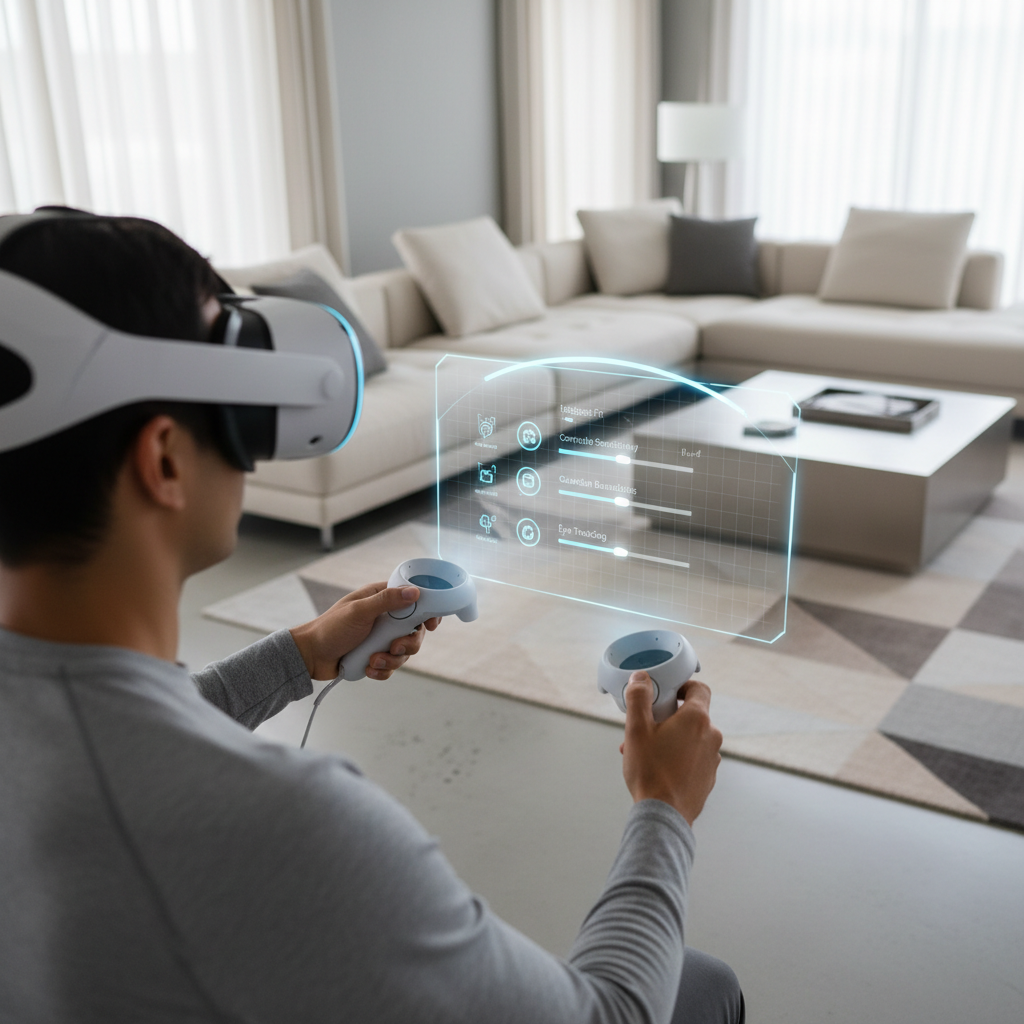
This guide focuses on practical wins: how to tune locomotion and height, how to hit more consistently, and what to do when you’re outnumbered. It’s written for US players, but the settings logic holds anywhere.
Dial in VR comfort first (it changes your win rate)
Before tactics, get your body comfortable. When nausea creeps in, most players start rushing, over-swinging, and making weird movement choices. That’s when the game feels “unfair,” even though it’s often your setup.
According to Meta, using comfort features like vignetting and snap turning can reduce discomfort for many users, and it’s smart to build tolerance gradually if you’re new to smooth locomotion.
- Turn style: If you feel off after quick spins, try snap turning. If snap breaks immersion for you, keep smooth turning but lower the speed.
- Movement style: Teleport works if you’re prone to motion sickness. Smooth locomotion tends to be better for combat positioning once you’re comfortable.
- Vignette/blinders: Not glamorous, but often the fastest fix when your stomach disagrees.
- Play space: Give yourself real elbow room. In tight spaces, you subconsciously shorten swings and lose range.
One more unsexy tip: tighten controller straps. Dropped controllers ruin fights and, in the worst case, can damage your TV or your hand.
Get your tracking, height, and reach settings honest
A lot of “my hits don’t register” complaints trace back to calibration. If your in-game height is wrong, your head position and reach feel off, and your weapon paths get weird fast.
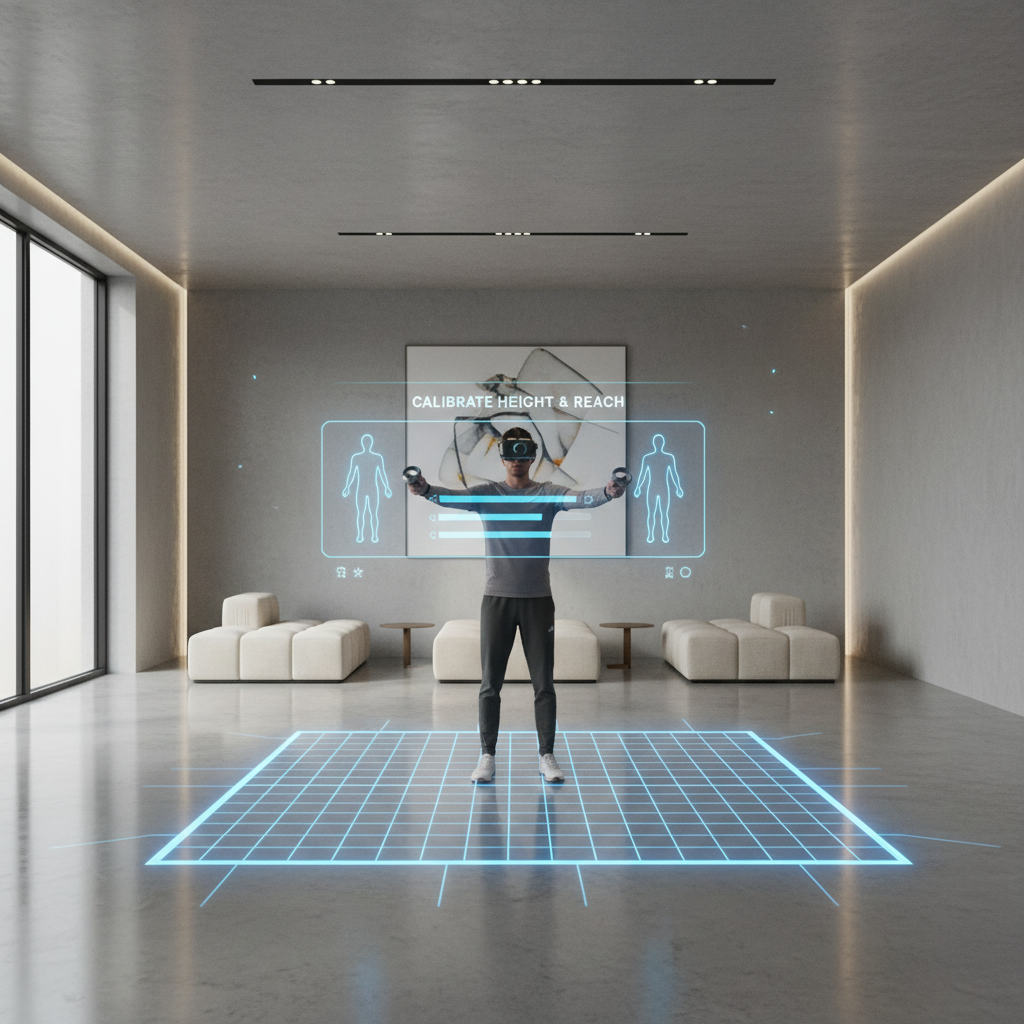
Run through this quick baseline before you grind levels:
- Recenter view so “forward” matches your stance, not your couch.
- Confirm floor height so you’re not floating or sinking. Even small errors change swing angles.
- Test reach by grabbing a bottle or bat and doing slow, full arcs. If the arc feels clipped, check guardian, lighting, and controller battery.
- Stabilize lighting (especially inside-out tracking). Avoid bright sunlight patches and blinking LEDs.
If you play on PC VR, keep background apps light. Dropped frames can feel like “laggy hands,” and in melee games that’s brutal.
Combat basics that actually work in VR (no fancy moves)
Paint the Town Red VR rewards boring fundamentals. Most players lose because they stand still, overcommit, and get grabbed from the side.
Use “range + angle,” not raw aggression
- Back up while striking: Hit, drift back, reset. Trading face-to-face is how you get surrounded.
- Work diagonals: Step to a corner of the crowd, not straight backward. It breaks lines of attack.
- Keep a barrier: Tables, stools, door frames, even NPC bodies can buy seconds.
Swings: shorter is often better
Big baseball swings feel great, but they’re slow and leave you open. Many situations favor compact strikes with quick recovery. If you want one mental model, think “jab-cross” pacing, even with a bottle.
- Lead hand control: Use your off-hand to push, grab, or stabilize spacing.
- Aim for head/upper chest: Typically higher stun value than low body shots, and it keeps enemies from closing.
- Stop chasing knockdowns: When someone drops, scan for the next threat. Looting mid-brawl gets you blindsided.
Weapons and environment: pick the boring winners
If you want the best paint the town red vr tips for survival, it’s this: choose weapons that forgive small tracking errors and keep enemies at distance. In VR, precision varies by player, headset, and fatigue.
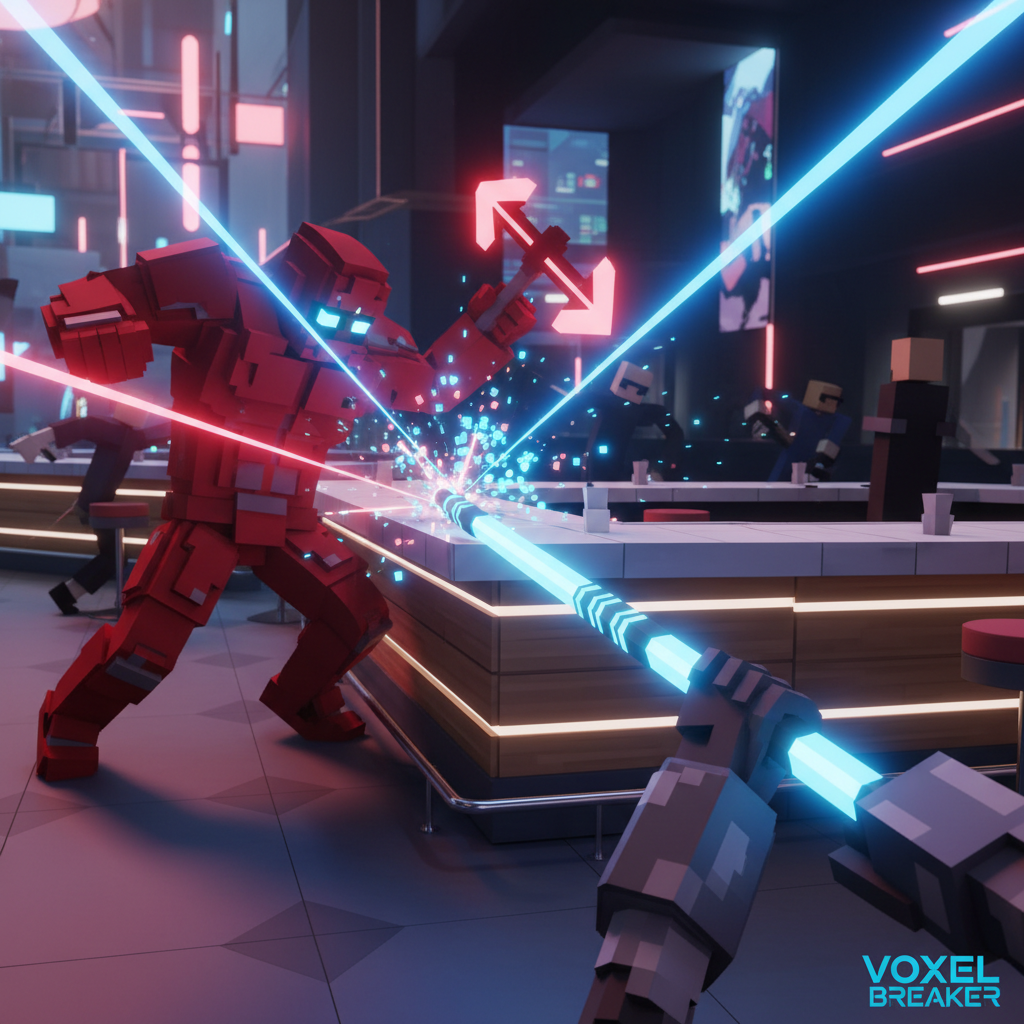
Here’s a practical comparison you can use without overthinking:
| Tool type | Why it works in VR | When it fails |
|---|---|---|
| Long blunt (bat, pipe) | Good reach, clear impact, easier spacing | Tight hallways, crowd presses in |
| One-handed blunt (bottle, mug) | Fast recovery, easy to chain hits | Low reach, you risk trading damage |
| Thrown items (plates, bottles) | Free stun at range, buys time | Misses waste resources, can pull more aggro |
| Improvised shields (tray, chair) | Creates space, blocks grabs, controls crowd | Awkward tracking, can snag on geometry |
Environmental play is underrated. Fighting in open floor feels cinematic, but doorways and corners let you control angles so fewer enemies can hit you at once.
A quick self-check: why you keep losing fights
When people ask for best paint the town red vr tips, they usually want secret combos. Most of the time, the fix is identifying which of these is happening.
- You get swarmed: You’re staying in the middle too long, not rotating to a wall or doorway.
- You miss easy hits: Height/floor calibration is off, or you’re over-swinging and losing controller tracking near the edge of cameras.
- You feel motion sick: Smooth turning too fast, no vignette, or you’re playing while tired.
- You drop weapons: Grip settings or strap fit needs adjustment, or you’re switching hands mid-swing.
- You “run out of stamina” mentally: You play long sessions and your form degrades. Shorter runs often improve results.
Pick one issue to fix per session. Trying to change controls, comfort, and strategy at once usually makes you worse for a while.
Step-by-step practice routine (15 minutes, no grind)
This is the part most players skip, then wonder why improvement feels random. A tiny routine builds consistency, especially in VR.
- Minute 1-3: Recenter, check floor height, do three slow swings with a long weapon, confirm the arc feels clean.
- Minute 4-7: Practice “hit and drift back” on single targets, focus on quick recovery rather than power.
- Minute 8-11: Practice diagonal movement, step to the side while striking, avoid straight-line retreats.
- Minute 12-15: Practice one throw into a follow-up strike, so you can create space when the crowd collapses.
If you record a short clip, you’ll often spot the real problem fast: overextension, turning too much with the stick, or freezing when the first enemy drops.
Common mistakes and safety notes (VR is physical)
Paint the Town Red looks cartoonish, but VR movement is still movement. Small tweaks prevent aches, broken controllers, and the classic “punched the wall” moment.
- Don’t lock your elbows when swinging. Keep a soft bend to reduce strain.
- Don’t chase full-speed spins if you’re getting dizzy. Discomfort tends to snowball.
- Hydrate and take breaks if you feel headaches or eye strain. If symptoms persist, consider pausing VR use and, if needed, consult a medical professional.
- Check your guardian every session. Furniture moves, and your memory lies.
Also, avoid “hero swings” near ceiling fans, lamps, or low shelves. It sounds obvious, but it’s the most common real-world loss condition.
Key takeaways + what to do next
If you only remember a few best paint the town red vr tips, make them these: optimize comfort so you can think clearly, calibrate height and floor, and fight for space instead of trading hits in the center.
Next session, pick one improvement: either change one comfort setting, or commit to doorway fighting for ten minutes. Small changes compound fast in VR, and you’ll feel it within a couple runs.
FAQ
What are the best comfort settings for Paint the Town Red VR?
Many players do well with snap turning and a modest vignette at first, then gradually reduce comfort aids as tolerance improves. If you feel sick, back off settings rather than forcing it.
Why do my punches and weapon swings miss in VR?
It’s often calibration or tracking. Recheck floor height, lighting, and controller batteries, then test slower, compact swings. Big arcs can move controllers into weaker tracking zones.
Is smooth locomotion better than teleport for combat?
Smooth movement can help with positioning and spacing once you’re comfortable, but teleport is a valid choice if it keeps you steady. Consistency usually beats “optimal” movement that makes you dizzy.
What weapons should beginners prioritize?
Long blunt weapons are typically forgiving because they give reach and clearer impact timing. One-handed items are great too, but they require better spacing so you don’t trade damage.
How do I stop getting surrounded so quickly?
Stop fighting in the middle. Rotate toward a wall, corner, or doorway, and keep moving diagonally. The goal is to limit how many enemies can reach you at once.
Should I use throwing a lot in VR?
Use throws as a spacing tool, not your whole strategy. A single well-timed throw can stun and create breathing room, but constant throwing can leave you unarmed when the crowd closes.
Can VR brawlers cause wrist or shoulder pain?
They can, especially with long sessions and overextended swings. Keep motions compact, take breaks, and if pain persists, it’s sensible to reduce play time and consider professional medical advice.
If you’re trying to improve faster, a simple approach is to keep one “stable” setup, then change only one variable per session, comfort setting or weapon choice, so you can actually tell what helped.