
Best vr headset for phone 2026 is really about one thing: finding a viewer that fits your exact phone, feels comfortable past the 10-minute mark, and doesn’t turn “VR night” into a blurry, headachey mess.
Most people don’t fail at mobile VR because they picked the “wrong brand,” they fail because the basics didn’t line up, phone size, lens quality, ventilation, and how you’ll actually use it, quick YouTube 360 clips is a different world than longer sessions with a Bluetooth controller.
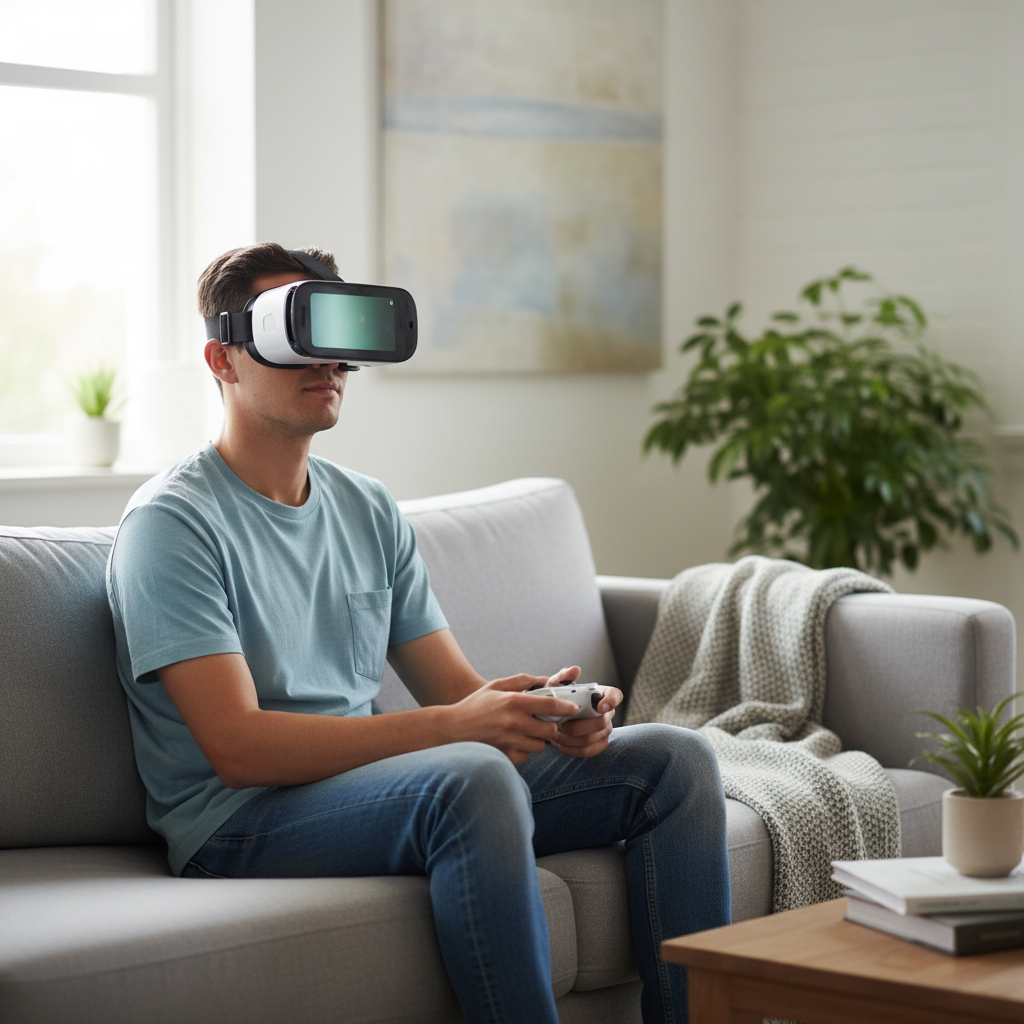
This guide focuses on what still matters in 2026 for phone-based VR: compatibility, optics, comfort, and the “small stuff” that decides whether you’ll keep using it. You’ll also get a quick self-check, a comparison table, and a short list of options that usually make sense in the US market.
What “phone VR” can (and can’t) do in 2026
Phone VR today is mostly a viewer experience, 360 video, VR photo tours, simple apps, and some lightweight games. If you expect the tracking quality of a standalone headset, you’ll likely feel disappointed.
According to Google, Daydream support was discontinued, which means you should treat most mobile VR as “generic VR viewers + app ecosystem that changes over time,” not a tightly managed platform. Practically, that pushes your decision toward hardware basics you can control: lenses, fit, and phone hold.
- Good fit + decent lenses can make 360 video genuinely enjoyable.
- Controller support varies a lot, many experiences are “gaze to select” only.
- Heat and battery are common limiting factors for longer sessions.
Quick comparison table: what to buy for your use case
This is the simplest way to narrow “best vr headset for phone 2026” without overthinking it, pick the row that matches how you’ll use it most nights.
| Use case | What to prioritize | What to avoid | Typical budget |
|---|---|---|---|
| 360 video + travel tours | Lens clarity, wide phone support, comfort padding | Tiny FOV, no ventilation | $25–$60 |
| Casual games (light) | Secure phone clamp, button access, controller compatibility | Loose trays that shift | $35–$80 |
| Short demos for kids/guests | Fast adjust straps, easy cleaning face pad, durable build | Hard plastic face contact | $20–$50 |
| Fitness-style motion apps | Ventilation, sweat-friendly padding, balanced weight | Heavy front load | $40–$100 |
How to choose the right phone VR headset: the stuff that actually matters
Specs lists for phone viewers are often vague, so it helps to evaluate by “failure points,” the reasons people stop using them after a week.
1) Phone fit and camera bump clearance
Modern phones have big camera bumps, and some trays press on them or prevent the phone from sitting flat. Look for a tray or clamp with enough depth, and ideally a soft contact surface where the phone rests.
- Check supported phone width (with case on, if you’ll keep the case).
- Make sure buttons won’t get held down by the clamp.
- If you use a thick MagSafe-style case, expect fit issues in many viewers.
2) Lens quality and IPD adjustments
Lens quality is the difference between “wow, that’s neat” and “why is everything smeared.” If the headset offers IPD adjustment, it can help align lenses to your eyes, which often reduces eye strain.
According to American Academy of Ophthalmology, discomfort like eye strain can happen with screen use, if you feel persistent symptoms, it’s reasonable to take breaks and consider asking a vision professional for advice.
3) Comfort, weight balance, and nose pressure
Most phone viewers are front-heavy, so strap design matters more than marketing photos. A wider top strap usually reduces face pressure, and better foam helps the seal without digging in.
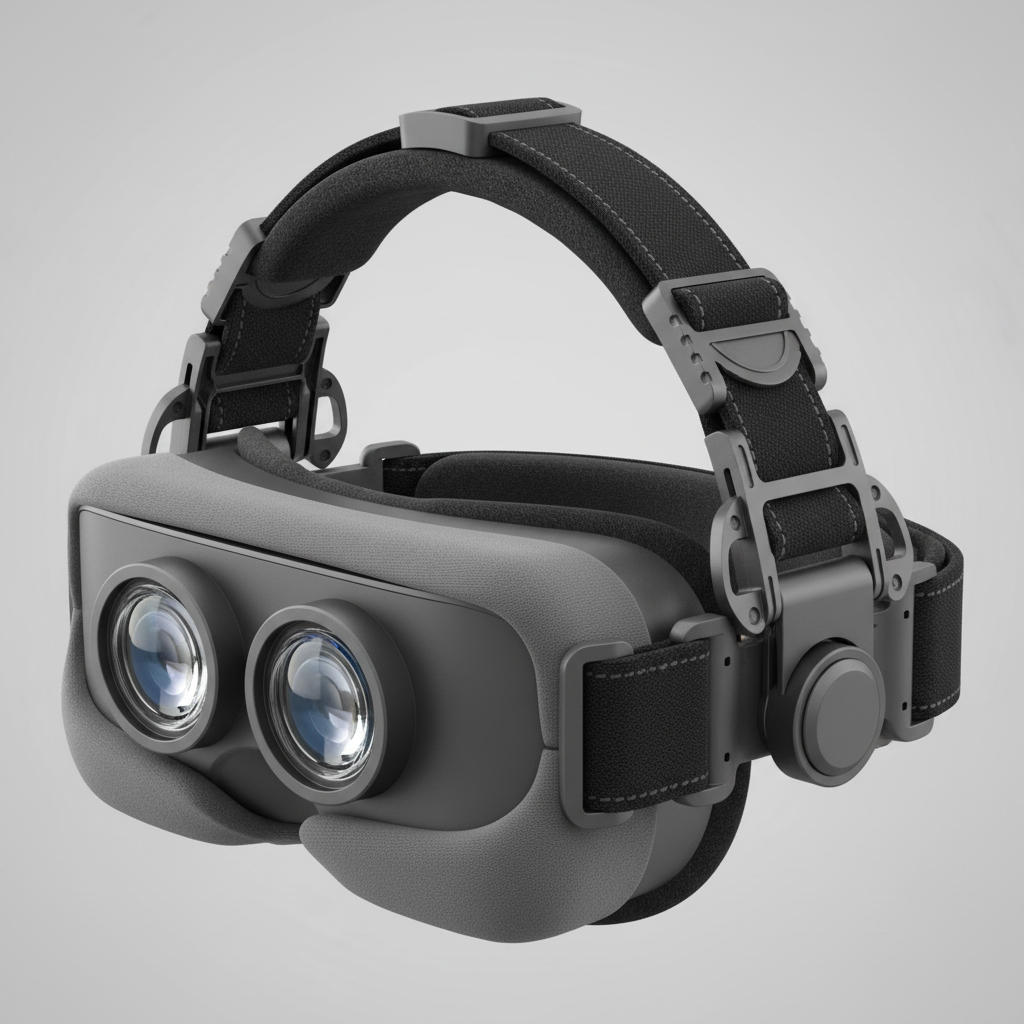
If you wear glasses, prioritize viewers with enough eye box space or a lens-to-eye adjustment. “Glasses friendly” varies, and many headsets claim it while still pinching the frame.
4) Ventilation and fogging control
Fogging is common, especially in warmer rooms. A little ventilation can do more than you’d expect, and it’s one reason ultra-cheap viewers feel unusable after a few minutes.
- Look for vents that don’t leak too much outside light.
- Consider a small fan in the room if you do longer sessions.
- Wipe lenses with a proper microfiber cloth, avoid harsh cleaners.
A practical shortlist: what often qualifies as “best” in 2026
I’m not going to pretend there’s one perfect pick for every phone, prices and availability change, and a lot of “brands” are essentially the same shell with different logos. Still, these categories tend to be the safest bets when you’re trying to buy a best vr headset for phone 2026 option without wasting money.
Option A: A mid-range adjustable viewer (most people should start here)
Choose a viewer with IPD adjustment, a reasonably padded face interface, and a tray that fits larger phones. This is the category that usually balances cost and “I can actually use it weekly.”
- Best for: 360 video, casual apps, occasional longer sessions
- Buy if: you care about clarity and comfort more than the absolute lowest price
Option B: Lightweight “quick demo” viewer (cheap, but narrow expectations)
These are fine for short experiences, party demos, or kids who try it for five minutes. Just don’t expect great lens clarity or strong straps.
- Best for: short 360 clips, simple VR photos
- Watch out for: fogging, poor padding, phone wobble
Option C: Viewer with better head support and ventilation (if comfort is your pain point)
If you know you’re sensitive to pressure on your nose or cheeks, lean toward a more structured strap system and better airflow. It may cost more, but it often “solves” the reason people quit mobile VR.
- Best for: longer sessions, warmer rooms, fitness-like use
- Buy if: comfort and stability matter more than portability
Self-check: are you buying the right type of phone VR headset?
Before you click buy, run this quick checklist. It saves you from the classic “it arrived, and… it doesn’t fit” scenario.
- Your phone model and size: does the viewer list a max width that includes your case?
- Camera bump: will the tray clamp on the bump or press the lenses area?
- Your eyesight: do you need glasses inside, or can you use contacts for VR sessions?
- Session length: are you doing 5–10 minutes or 30+ minutes?
- Main content: mostly YouTube 360, VR tours, or interactive apps needing a controller?
- Motion sensitivity: do you often feel queasy in first-person games?
If you checked “glasses” and “long sessions,” prioritize comfort and adjustability even if it costs a bit more. That’s usually where “best vr headset for phone 2026” becomes personal, not universal.
Setup tips that make phone VR feel better (and reduce frustration)
Even a good viewer feels bad with a messy setup. These steps are simple, but they’re also where most complaints come from.
Dial in clarity first, not volume or brightness
- Clean lenses and your phone screen with microfiber.
- Set phone brightness to a comfortable level, too bright can increase eye fatigue.
- Adjust IPD and focus until text edges look stable, then tighten straps.
Use a controller when the app supports it
A basic Bluetooth controller can reduce the “neck crane” effect from gaze-only navigation. App support varies, so check the app description, and keep expectations realistic.
Manage heat and battery
- Remove the phone case if heat becomes an issue.
- Close background apps, especially camera-heavy social apps.
- Take breaks, if the phone feels hot, let it cool before continuing.
Safety and comfort: nausea, kids, and eye strain
Mobile VR can cause discomfort for some people, especially with fast motion or low frame rates. If you feel dizzy, nauseated, or get headaches, stopping early is usually smarter than trying to “push through.”
According to American Academy of Pediatrics, screen use recommendations for children depend on age and context, for kids using VR viewers, it’s sensible to keep sessions short, supervise content, and consider discussing concerns with a pediatric professional if you notice symptoms.
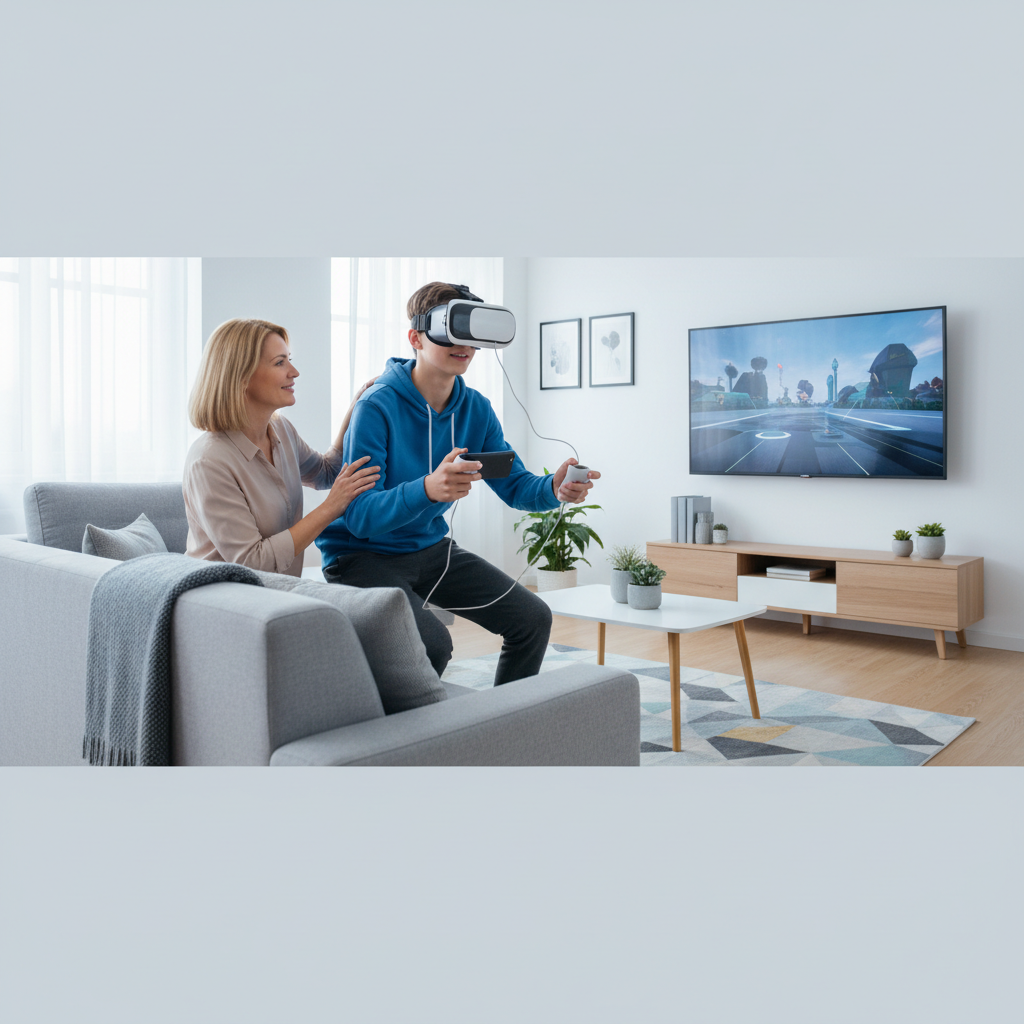
Key point: if you’re prone to motion sickness, start with stationary 360 experiences, sit down, keep sessions short, and choose viewers that hold the phone firmly to minimize image wobble.
Conclusion: the “best” phone VR headset in 2026 is the one you’ll keep using
The best vr headset for phone 2026 usually isn’t the cheapest option or the one with the loudest listing, it’s the viewer that fits your phone without drama, keeps lenses aligned, and stays comfortable long enough to enjoy the content you actually watch.
If you only do quick 360 clips, a simple viewer can be enough, but if you want repeat use, put your money into adjustability and comfort, then pair it with better setup habits. Your first next step: confirm phone fit with your case on, then choose the category that matches your session length and sensitivity.