
Best sensitivity for apex legends on controller usually isn’t a single magic number, it’s a small range that matches your stick feel, response curve, and how steady you track in real fights.
If your aim feels “almost there” but you overflick, lose the target in close-range strafes, or can’t control recoil past mid-range, sensitivity is often the quiet culprit. The tricky part is Apex has multiple layers that stack: look sensitivity, ADS sensitivity, deadzones, per-optic multipliers, and sometimes platform-level settings.
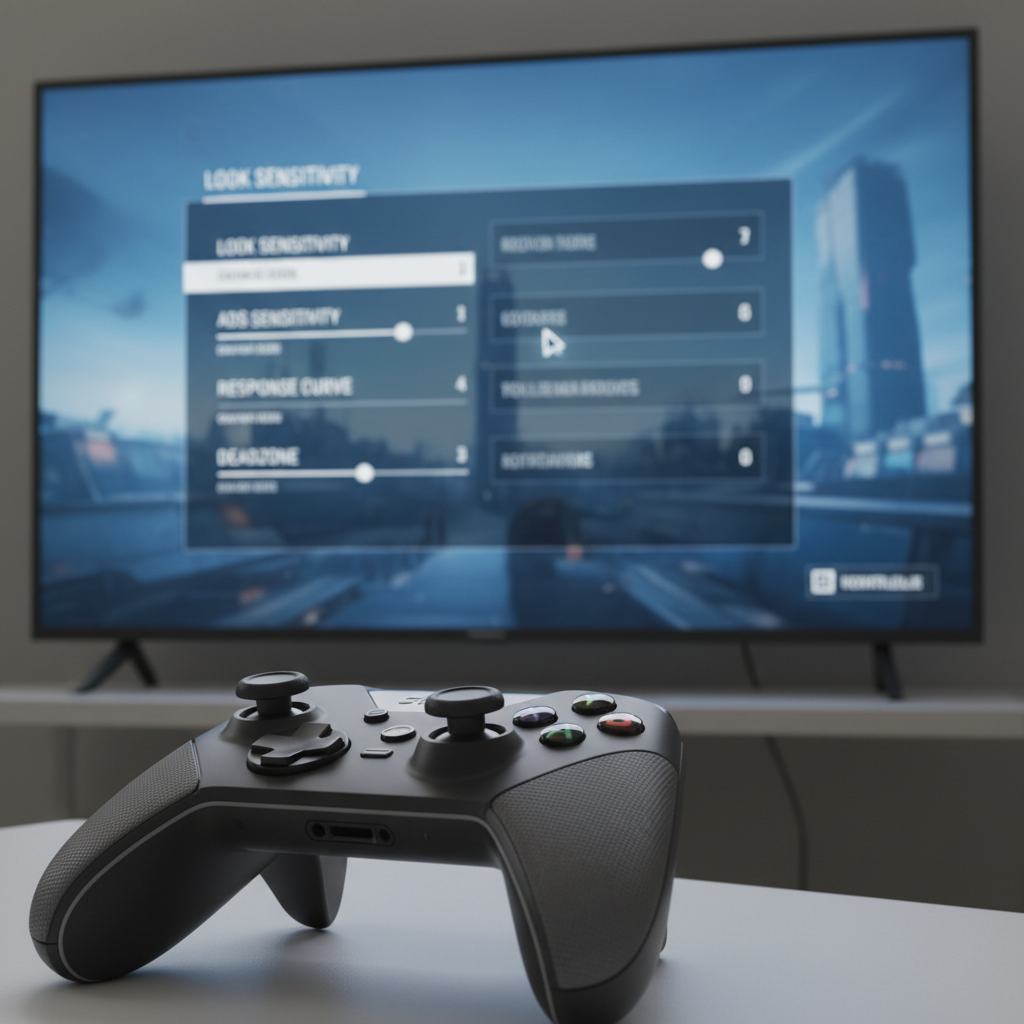
This guide gives you practical ranges (not hype), a quick self-test to find your “type,” and a step-by-step tuning path so you stop resetting settings every week and start building consistency.
What “best sensitivity” really means in Apex (and why it feels different)
Apex rewards smooth tracking more than heroic flicks, especially on controller where aim assist helps you stay on target but won’t fix unstable inputs. So “best” usually means you can do three things without thinking: micro-adjust (tiny corrections), track (follow strafes), and recenter (return to target after recoil).
Also, the same sensitivity can feel totally different depending on context:
- Response curve changes how quickly your stick ramps up from small to large movement.
- Deadzone affects whether tiny stick movements register or get ignored.
- FOV can make sensitivity feel faster or slower even if numbers match.
- Per-optic ADS changes how your 1x vs 2x vs 3x aiming feels.
According to EA Help, controller settings like deadzone and response curve impact how analog input translates to camera movement, which is why copying a pro’s numbers often feels “off” on your setup.
Quick self-check: which sensitivity profile fits you?
Before you touch sliders, figure out what you’re actually struggling with. This takes two minutes and saves you from random tuning.
- You overflick in close fights: your look sensitivity or response curve ramp is probably too aggressive.
- You feel “stuck” and can’t turn on people: look sensitivity too low, or deadzone too high.
- Your ADS feels shaky at mid-range: ADS too high, or deadzone too low (stick drift forcing corrections).
- You lose targets during strafes: your micro-adjustments aren’t stable, often curve/deadzone mismatch.
- Great in the Firing Range, worse in matches: your settings may be fine, but your drills don’t match real movement and pressure.
Be honest here. Many players change sensitivity when the real problem is inconsistent stick pressure or switching optics without matching ADS multipliers.
Recommended controller sensitivity ranges (a practical starting point)
For most players trying to find the best sensitivity for apex legends on controller, these ranges are where aim tends to stabilize without feeling sluggish. Use them as a starting block, then tune.
Baseline ranges (classic “numbers” style)
- Look Sensitivity: 3–5
- ADS Sensitivity: 2–4
- Response Curve: 8–12 (higher usually feels smoother/less twitchy)
- Deadzone: Small or None if no drift; Small if drift shows up
If you want a simple rule: keep look high enough to turn on someone, keep ADS low enough to track without “wobble.” That balance wins more fights than chasing speed.
ALC (Advanced Look Controls) ranges (more precise)
If you use ALC, you’re not searching for “the best ALC,” you’re building a controlled input curve. A common stable approach is: moderate yaw/pitch, slightly slower ADS, and minimal extra ramping.
- Deadzone: 2–8 (go as low as possible without drift)
- Outer Threshold: 1–3
- Response Curve: 8–12
- Yaw Speed: 220–320
- Pitch Speed: 180–280
- ADS Yaw: 110–180
- ADS Pitch: 90–160
- Turning Extra Yaw/Pitch: 0–80 (often best kept low)
- Ramp-up Time/Delay: 0–10 (many players prefer near-zero)
These numbers vary by controller condition and playstyle. Stick drift, worn modules, and kontrolfreek-style extenders can change what “stable” feels like.
A simple table: pick a starting setup by playstyle
Use this table to stop guessing. Pick the row that matches how you like to fight, then test for 20–30 minutes before changing anything.
| Playstyle | Look | ADS | Curve | Notes |
|---|---|---|---|---|
| Close-range heavy (SMG/shotgun) | 4–5 | 2–3 | 8–10 | Prioritize fast turns, keep ADS calm for hipfire-to-ADS transitions |
| Balanced (AR + occasional SMG) | 3–4 | 2–3 | 9–12 | Most players settle here when searching best sensitivity for apex legends |
| Mid/long-range focused (AR/Marksman) | 3–4 | 2 | 10–12 | Lower ADS reduces shake; consider per-optic multipliers if you snipe |
Step-by-step tuning (do this instead of constant tweaking)
This is the part most people skip, then they wonder why every new setting feels “good for one day.” Give each step time, and only change one variable at once.
Step 1: Fix drift and micro-movement first
- Set deadzone as low as you can without crosshair moving on its own.
- If drift exists, raise deadzone one notch and stop there. Don’t compensate by lowering sensitivity.
Step 2: Set your non-ADS look for turning
- In the Firing Range, stand close to a dummy, then do a 180 turn and re-center.
- If you overshoot past the dummy, lower look by 1 or raise response curve slightly.
- If you can’t turn fast enough, raise look by 1 before touching anything else.
Step 3: Set ADS for tracking, not ego
- Use an AR at mid-range and track side-to-side movement.
- If you “vibrate” around the target, ADS is high or deadzone is too low for your stick condition.
- If you lag behind strafes, ADS is low or response curve too high.
Step 4: Only then touch per-optic multipliers
If your 1x feels perfect but 3x feels uncontrollable, don’t blow up your whole setup. Adjust per-optic ADS slightly, small changes matter.
Common mistakes that sabotage your aim (even with good settings)
Most “my sensitivity feels inconsistent” issues come from habits and mismatched settings, not from being on the wrong number.
- Changing multiple sliders at once: you lose cause-and-effect and end up chasing your tail.
- Copying a pro setup 1:1: their stick tension, deadzone, and monitor input lag differ from yours.
- Ignoring FOV: a big FOV can make your turns feel faster; lock FOV before dialing sensitivity.
- Overusing extra yaw/ramp in ALC: it can feel great for turning, then ruin close tracking.
- Testing only on still targets: Apex fights are strafes, slides, jiggles, and messy angles.
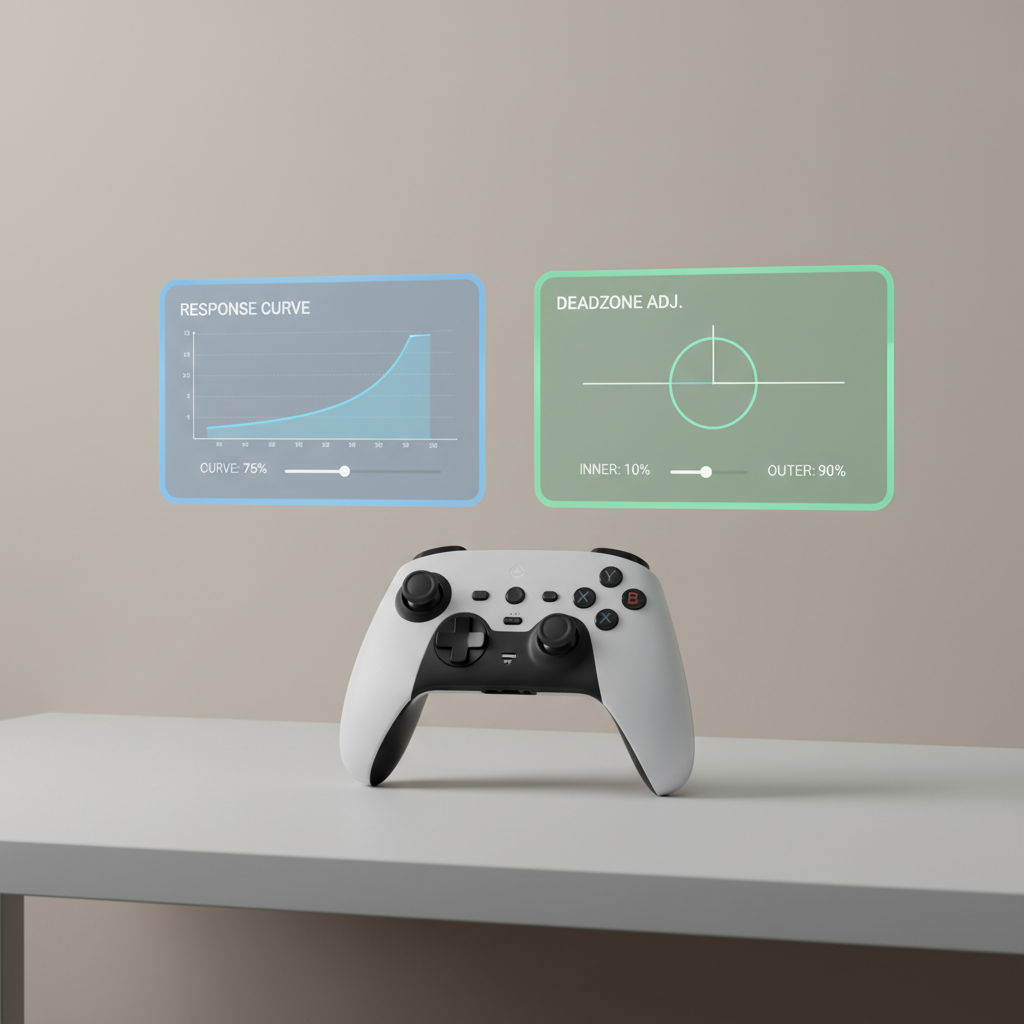
Key takeaways and a realistic “best” recommendation
If you want a reliable answer to “what’s the best sensitivity for apex legends on controller,” it’s usually a balanced setup that favors tracking stability over max speed, then small personal tuning based on drift and your typical engagement range.
- Stability beats speed for consistent ranked fights.
- Deadzone and response curve often matter as much as raw sensitivity.
- Lock settings for a week, track your results, then adjust one thing.
Your next action: pick a baseline row from the table, run the four-step tuning, then play 10 matches without touching sliders. If something feels wrong, write down what fails (overflick, slow turn, shaky ADS), then adjust just that piece.
FAQ
What is the best sensitivity for Apex Legends controller for beginners?
Many beginners do better with moderate look (3–4) and lower ADS (2–3) because it reduces panic overflicks. You can raise speed later once tracking feels automatic.
Should I use ALC or the default sensitivity settings?
If you like simple tuning, default settings are easier to keep consistent. ALC helps when you know exactly what feels wrong, like fast turns but calm ADS, and want more control over that split.
How do I know if my deadzone is too low?
If your crosshair moves on its own or you constantly “fight” tiny drift while aiming, deadzone is probably too low for your controller condition. Raise it slightly until the reticle stays still.
Why does my sensitivity feel different after changing FOV?
FOV changes how fast the world appears to move across your screen, so your brain reads the same input differently. Set your FOV first, then dial sensitivity.
What ADS sensitivity should I use for 2x and 3x scopes?
A lot of players keep higher zoom ADS a bit lower than 1x to reduce shake. Start by lowering your 2x/3x multiplier slightly, test, then nudge in small steps.
Is higher sensitivity always better for close-range fights?
Not always. Close-range needs fast turns, yes, but it also needs controlled tracking during strafes. Too fast can make you miss more shots than you gain in turn speed.
How often should I change my controller sensitivity?
Not often. If you’re chasing the best sensitivity for apex legends every session, you’ll likely stall improvement. Give any change enough matches to see patterns, not one good clip.
If you’re still bouncing between settings, a more “set-and-forget” approach is to pick one baseline, run a short daily tracking drill in the Firing Range, and only adjust when you can clearly describe the failure case, not just a vague feeling.