
Best server hosting for small games usually comes down to three things you feel immediately as a player: stable ping, enough CPU for spikes, and support that doesn’t disappear when something breaks at 11pm. If you’re hosting for a few friends, it’s tempting to buy the cheapest plan and hope for the best, but small game servers have a way of punishing “good enough” choices with rubber-banding and random crashes.
The good news is you don’t need enterprise infrastructure to run a small Minecraft, Valheim, CS2, Terraria, ARK, or modded indie server. What you do need is a realistic match between your game’s behavior (tick rate, mods, world saves) and a provider’s actual resources, not just marketing labels.
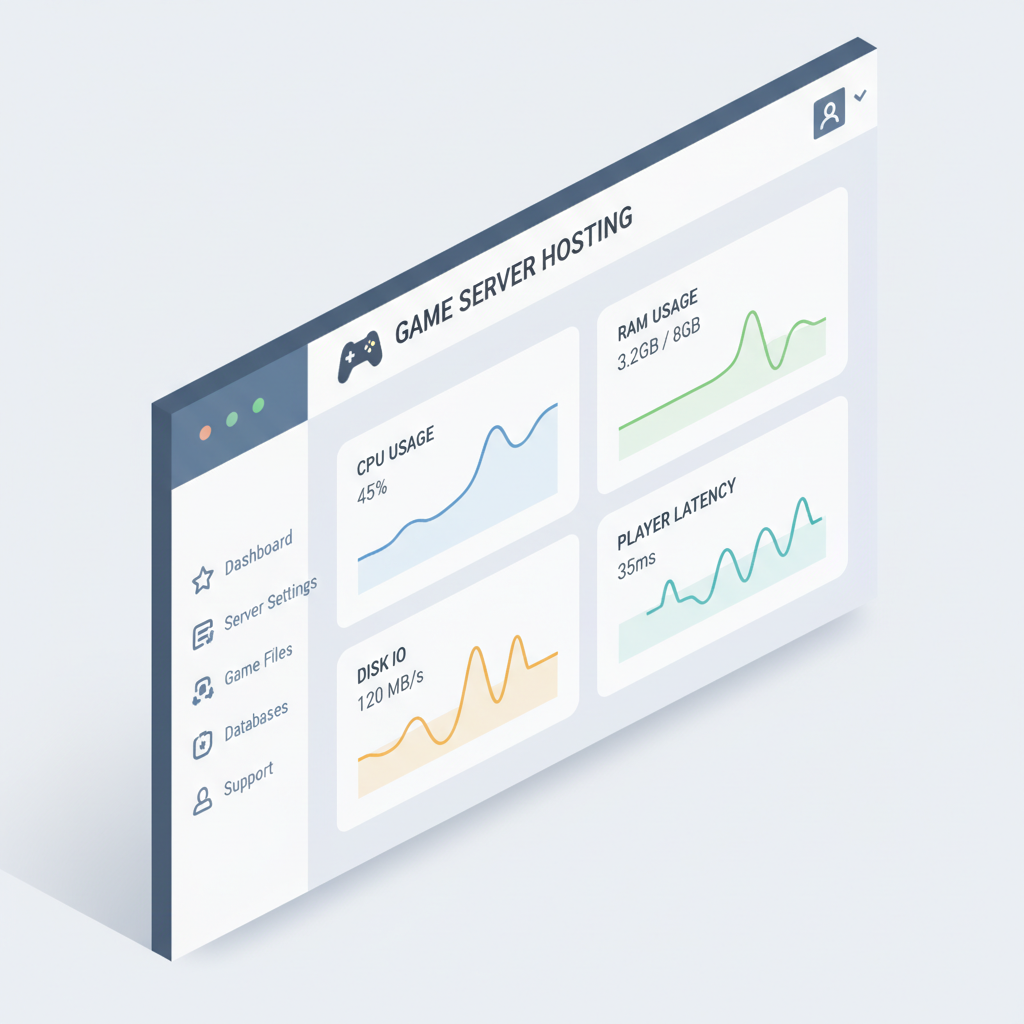
This guide helps you pick a plan that fits a small server today, without boxing you in for tomorrow. You’ll get a quick decision checklist, a comparison table, practical setup steps, and the mistakes that cause most “my server is laggy” threads.
What “small game server” really means (and why it matters)
“Small” rarely means the same load. A 10-player vanilla server can be lighter than a 4-player modded server that saves huge worlds, runs plugins, and generates chunks nonstop. Before you shop, define “small” in terms that affect hosting.
- Player count: average and peak, not just your Discord member list.
- Mods/plugins: the real CPU multiplier for many games.
- Tick rate / simulation: games with heavy AI, physics, or lots of entities spike CPU.
- World size and saves: big maps mean more storage and disk reads/writes.
- Voice/chat extras: running bots, web maps, or databases alongside the server changes requirements.
Once you frame it this way, “best server hosting for small games” stops being about one brand and becomes about the right mix of CPU performance, RAM headroom, network quality, and management features.
Key factors that actually affect performance (beyond the price)
Hosts love to advertise RAM and storage because it’s easy. For real-world play, these factors tend to decide whether your server feels smooth.
CPU quality and single-core performance
Many game servers depend heavily on one or a few cores. A plan with “8 vCPUs” is not automatically better if those cores are slow or oversold. Look for clear CPU info when possible, and favor providers known for modern CPUs and fair resource allocation.
RAM headroom (not just “minimum”)
If your game recommends 4GB, running it at 4GB often works until the first big event, mod update, or map exploration session. A little headroom reduces crashes and restarts. Memory pressure also increases disk swapping, which feels like random lag.
Storage type and I/O consistency
NVMe SSD typically matters for map loads, saves, and modpacks. If your server stutters on autosave, storage I/O is a usual suspect. “Unlimited SSD” claims are less useful than consistent performance and clear limits.
Network route and datacenter location
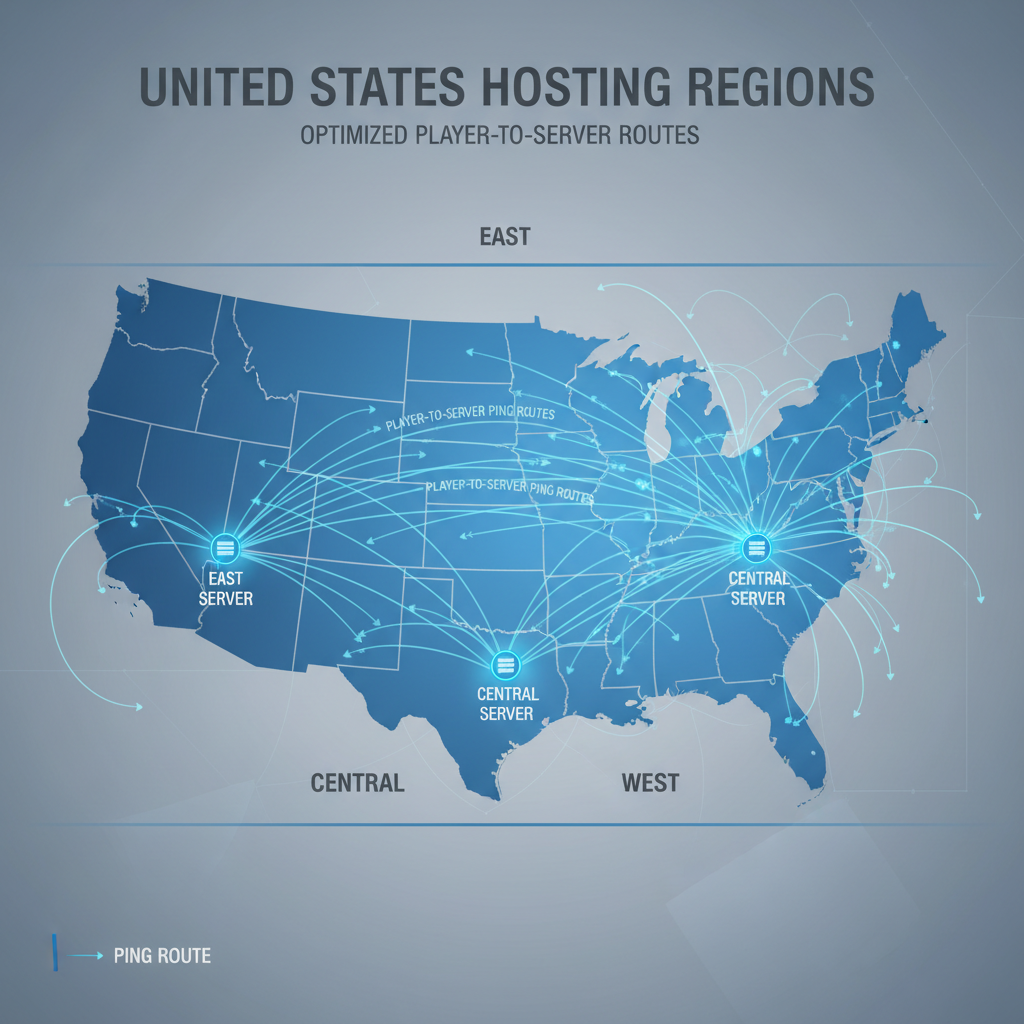
For a US audience, choose a region close to most players (often East, Central, or West). Latency can’t be “optimized away” if your server is physically far. According to Cloudflare, latency is tied to distance and network routing, and even small increases can affect real-time experiences.
Support, backups, and control panel quality
When something breaks, a good knowledge base and responsive support can matter more than saving a few dollars. Backups are your parachute, especially for modded servers or games with frequent updates.
Quick self-check: which hosting type fits your small server?
If you only do one thing before buying, do this. Pick the lane that matches your situation, then shop within that lane.
- Managed game hosting fits you if you want one-click installs, modpack support, scheduled restarts, and a game-focused panel.
- VPS (virtual server) fits you if you’re comfortable with basic server admin, want flexibility, or plan to host multiple services.
- Dedicated server is usually overkill for “small,” but can make sense if you run heavy mods, multiple game instances, or want maximum isolation.
- Home hosting can work for local friends, but typical pain points are upload bandwidth, router setup, and uptime.
If you’re still unsure, a managed plan is often the lowest-friction start, and a VPS becomes attractive once you outgrow panel limits or want to consolidate multiple servers.
Comparison table: what to look for when shopping
Here’s a practical way to compare plans without getting lost in feature lists. Use it like a scorecard.
| What you compare | Why it matters for small servers | Good sign | Watch out for |
|---|---|---|---|
| CPU clarity | Most “lag” is CPU saturation during spikes | Modern CPU generation mentioned, fair-use explained | Vague “high performance” with no details |
| RAM allocation | Mods, entities, and world size eat memory fast | Clear RAM amount per plan, upgrade path | Shared RAM or unclear limits |
| Storage (NVMe) | Autosaves, chunk loads, and backups rely on I/O | NVMe SSD, backup storage options | “Unlimited” without performance expectations |
| Datacenter choices | Distance drives ping for most players | Multiple US regions, easy location change | Only one region, unclear routing |
| DDoS protection | Public servers attract nuisance traffic | Protection included, clear policy | Upcharges or vague promises |
| Backups & restore | Saves can corrupt, updates can break mods | Automated backups, one-click restore | “Backups available” but manual and slow |
| Support hours | Servers fail at inconvenient times | Fast ticket response, strong docs | Community-only support for paid plans |
Practical recommendations by scenario (so you can decide fast)
This is the part most people want: “What should I buy for my situation?” Exact specs vary by game and mods, but these patterns hold in many cases.
1) Friends-only server, light mods (2–10 players)
- Pick: managed game hosting or a small VPS.
- Aim for: enough RAM headroom for peaks, NVMe storage, a nearby US region.
- Why: you want low maintenance and predictable costs.
2) Modded survival server, frequent world exploration (4–15 players)
- Pick: managed hosting with good mod support, or a VPS with strong CPU.
- Aim for: higher single-core performance, more RAM than the modpack “minimum,” and reliable backups.
- Why: modded setups fail in annoying ways, backups save weekends.
3) Small public server (10–30 players) or community events
- Pick: a VPS or higher-tier managed plan with DDoS protection and scaling.
- Aim for: good network reputation, monitoring, and an upgrade path that doesn’t require migration.
- Why: public visibility increases both load spikes and unwanted traffic.
If you’re comparing providers and both look similar, the tie-breaker is usually support quality and whether upgrades are painless. That’s where a “cheap” plan becomes expensive in time.
Setup steps that reduce lag right away
Even with the best server hosting for small games, configuration does a lot of the heavy lifting. These steps are boring, but they remove most avoidable instability.
- Choose the closest region to the majority of players, then measure ping before inviting everyone.
- Cap view distance / simulation distance where the game allows it, this often cuts CPU load more than you expect.
- Schedule restarts during off-hours if your game or modpack leaks memory over time.
- Use automated backups daily at minimum, and test a restore once so you know it works.
- Monitor basics: CPU %, RAM use, disk space, and server tick rate if available.

According to Mojang, Minecraft performance can be affected by view distance and server resources, so if you’re hosting Minecraft or a similar sandbox game, these settings are not “nice to have,” they’re stability controls.
Common mistakes (and the fixes that usually work)
A lot of hosting frustration comes from a few repeat problems. If you recognize one, fix it before upgrading hardware.
- Buying based on RAM only: If lag shows up when players move fast or mobs spawn, CPU is often the limiter. Fix by choosing plans known for strong per-core performance and avoiding heavily oversold nodes.
- Picking a far datacenter: Your server can be “powerful” and still feel bad. Fix by moving to a region closer to the player cluster.
- Running too many plugins/mods “just to try”: Each add-on is another variable. Fix by adding changes one at a time and keeping a rollback point.
- No restore plan: Backups exist, but nobody tested them. Fix by doing one test restore after setup, then keep that routine.
- Assuming DDoS won’t happen to a small server: Even small public servers can get hit. Fix by keeping protection on and avoiding sharing raw IPs in public spaces when you can use domain + proxy options.
When it’s time to get professional help
If your server is for a paid community, a tournament, or anything where uptime equals reputation, it can be worth involving someone who does server admin regularly. That might be your hosting provider’s premium support, a managed service, or a freelance sysadmin.
- You see frequent crashes with unclear logs, even after simplifying mods/plugins.
- You suspect security issues, unknown users, or repeated DDoS events.
- You need multi-server networking, databases, or advanced permissions that you don’t want to learn under pressure.
For anything involving payments, user data, or business operations, consider asking a qualified professional to review security and backup practices, since the right approach can vary by setup and jurisdiction.
Conclusion: a simple way to choose without overthinking
For most people, the “best” choice is the one that matches your game’s CPU behavior, gives you a nearby US region, and includes backups you can restore quickly. If you want low effort, managed game hosting is often the cleanest start, and if you want flexibility or multiple services, a VPS is usually the better long-term fit.
Action steps: pick your region first, estimate peak players and mod load honestly, then shortlist providers that are transparent about resources and make upgrades easy. That alone avoids most regret purchases.
FAQ
What is the best server hosting for small games if I only have 5–10 players?
In many cases, a managed game host works well because setup is fast and you get built-in tools like restarts and backups. If you’re comfortable managing a Linux server, a small VPS can be a good value, especially if you’ll host more than one game.
Is a VPS better than managed game hosting for a small Minecraft server?
A VPS can be better when you need flexibility, custom tooling, or multiple instances, but it comes with admin work. Managed hosting usually wins when you want simplicity and game-specific support, especially for common modpacks.
How much RAM do I need for a small modded server?
It depends on the game and the modpack, but “recommended” memory is often a safer baseline than “minimum.” If players explore heavily or you run lots of plugins, extra headroom tends to reduce stutters and crashes.
Does server location really matter for US players?
Yes, usually. Even with good hardware, a far-away region adds latency that players feel as delay and hit registration issues. Picking a datacenter near your player majority is one of the highest-impact decisions.
What specs matter most to reduce lag?
CPU performance and stable network routing are usually the top two, then RAM headroom and storage I/O for save-heavy games. “Unlimited bandwidth” is less meaningful than consistent routing quality and fair resource allocation.
Do I need DDoS protection for a small public server?
If the server is public, it’s wise to assume some risk. DDoS protection can’t prevent every problem, but it often reduces downtime from nuisance traffic and is worth prioritizing if included.
How can I tell if I should upgrade or optimize settings?
If CPU pegs near 100% during gameplay spikes, upgrades or a better CPU tier often helps. If ping is high for everyone, region choice or routing is the issue. If stutters happen on autosaves, storage and backup behavior deserve a look.
If you’re trying to choose the best server hosting for small games and want a quicker path, make a short list of your game, peak players, mod list, and player locations, then compare plans using the table above, it’s the fastest way to avoid paying for specs you won’t use.